
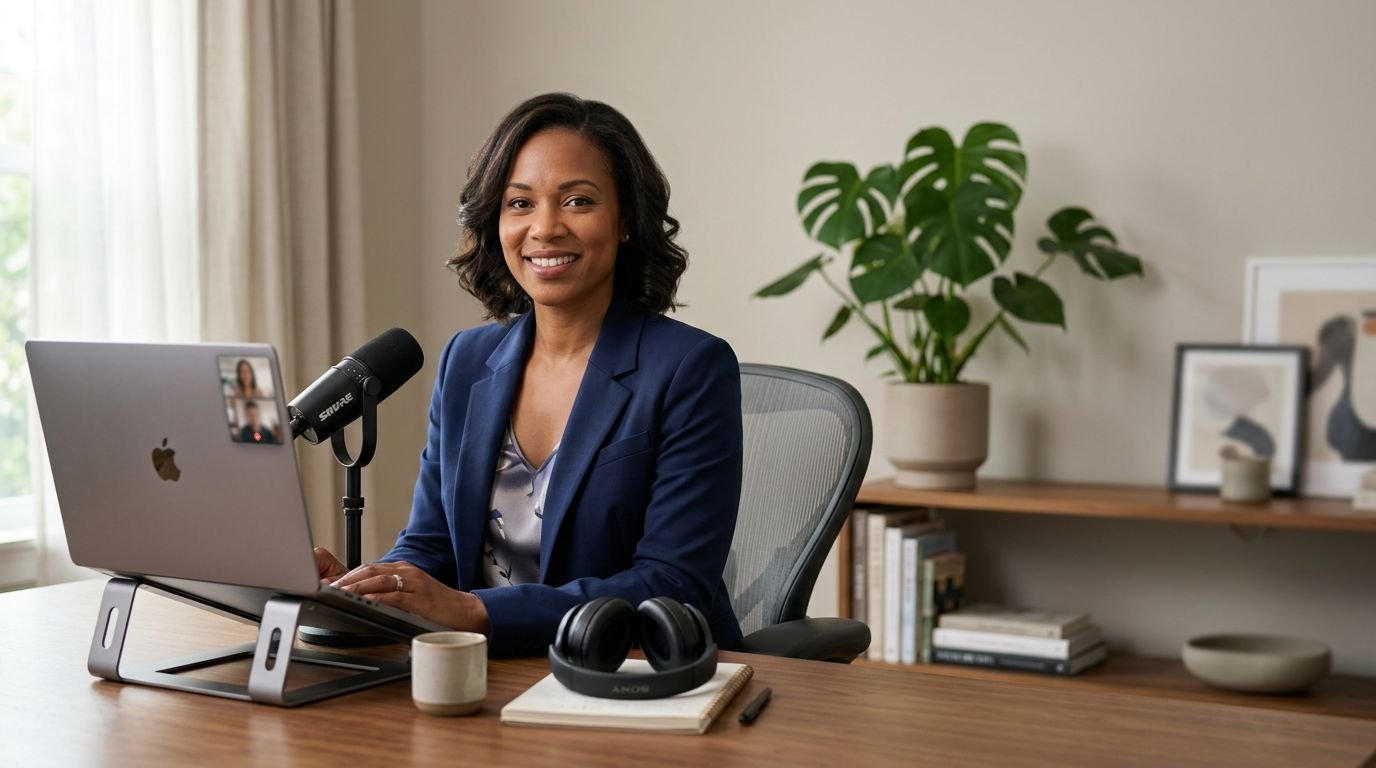
A virtual interview may shrink the room to a laptop screen, yet it magnifies every sign of preparation. An interviewer can hear the work you did before you joined, in clean audio, direct answers, and a relaxed pace.
The most useful virtual interview tips focus on connection rather than perfection. In 2026, video calls, asynchronous recordings, and AI-assisted workflows require you to manage your message, equipment, and virtual presence. With a tested setup, a practical backup plan, and evidence-based answers, you can make the conversation feel human.
Key Takeaways
- Rehearse your full setup at least 24 hours before the interview, then repeat essential checks shortly before joining.
- Create a calm, professional virtual presence with clear audio, eye-level camera placement, suitable lighting, concise answers, and natural camera eye contact.
- Keep practical notes, relevant work samples, and a backup communication plan ready without letting them distract from the conversation.
- Prepare adaptable, evidence-based stories that align your resume, application materials, and spoken answers, especially for AI-assisted or recorded interviews.
- Follow up within 24 hours with a personal thank-you message that reinforces your interest and clarifies important remote-work details when needed.
Build a reliable interview room before you need it
Run a full rehearsal at least one day before your virtual interview. Treat it as a short mock interview using the same device, internet connection, meeting link, camera, and headset you plan to use.
Check whether the video conferencing tools you’ll use, such as Zoom, Microsoft Teams, or Google Meet, need updates. Open the video platform to verify your display name, meeting settings, and audio and video inputs.
A 2026 remote interview preparation guide also recommends checking your camera, microphone, and internet connection at least 24 hours ahead. Repeat the essential checks about 30 minutes before the call, with your laptop plugged in and notifications off.
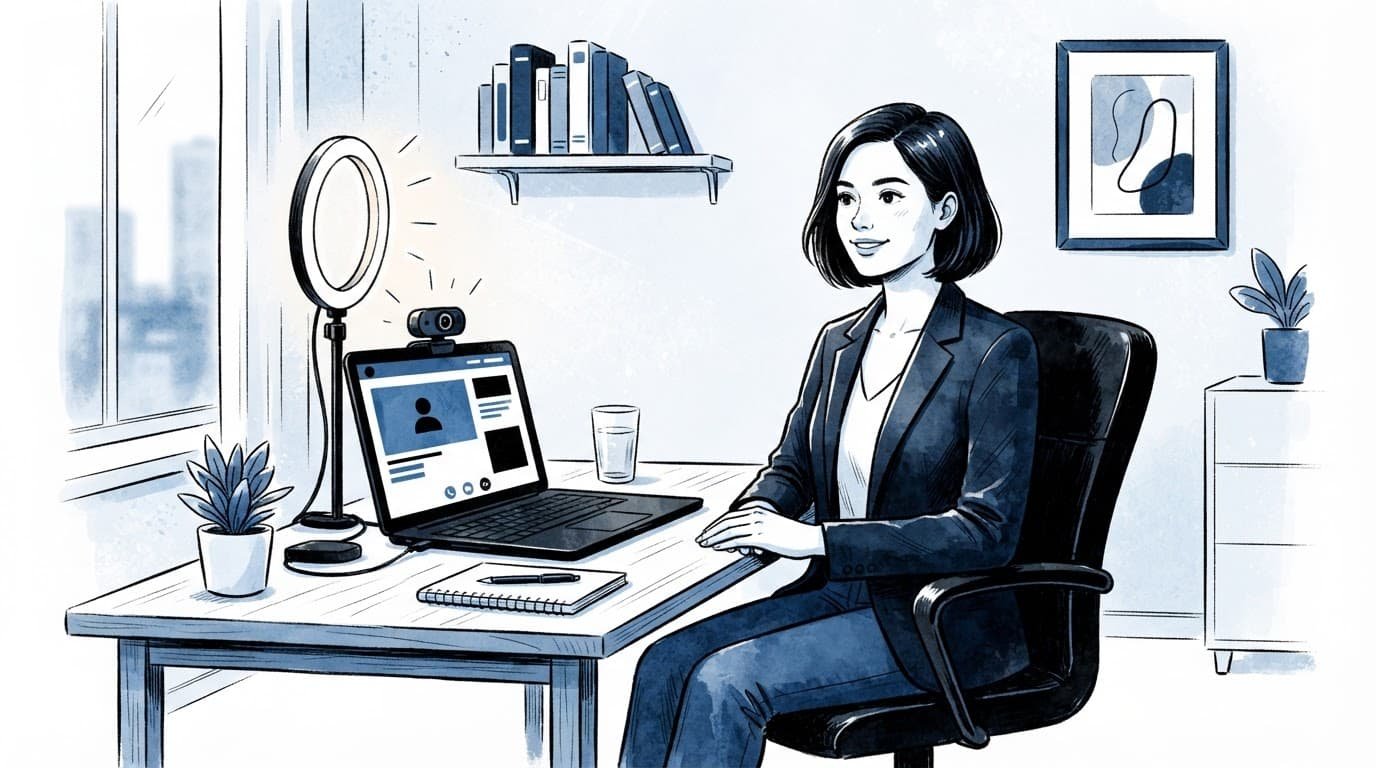
Choose a quiet space with a neutral background, such as a plain wall, tidy bookshelf, or simple blurred backdrop. A busy room pulls attention away from your answers, so close windows and silence fans to reduce background noise. Face a lighting source, such as a window or lamp, rather than sitting with light behind you. Raise your laptop on sturdy books or use a stand to improve the camera angle and place the lens at eye level.
Dress in professional attire appropriate to the role and company culture, even when interviewing from home. Solid, medium-tone colors tend to look better on camera than loud patterns or bright white. Wear complete attire, including shoes. You’ll feel more prepared and won’t be caught off guard if you need to stand up.
Before joining, take four final steps:
- Close unrelated tabs, messaging apps, and personal browser windows.
- Put a charged phone nearby with the meeting app installed.
- Tell people in your home when you need uninterrupted time.
- Keep the recruiter or hiring manager’s phone number within reach.
Virtual Interview Tips for Natural On-Screen Rapport
A video interview changes the usual rhythm of conversation. During a virtual interview, you cannot rely on a handshake, a walk to the meeting room, or small talk before sitting down. Instead, attention, tone, and non-verbal cues make your responses easy to follow, creating a more attentive and natural virtual presence.
Start with a warm greeting and use the interviewer’s name. If a panel is present, greet each person when introductions begin. Listen without watching your own thumbnail, because self-monitoring often makes you appear stiff or distracted.
Use camera eye contact without staring
Look into the camera lens when you deliver an important point, such as the result of a project or your reason for wanting the role. While the interviewer speaks, look naturally at their face on screen. That movement mirrors a normal conversation better than holding a fixed gaze.
Sit upright with your shoulders loose. Keep relaxed body language visible but restrained, and let your hands rest when you are not using them. Because webcams crop tightly, small habits such as tapping a pen, swiveling in a chair, or repeatedly adjusting your hair become more obvious.
A brief pause before you answer gives audio lag time to settle and makes your response sound considered rather than rehearsed.
Speak slightly slower than you would in a casual conversation. Give concise answers first, then add detail if the interviewer asks. For behavioral interview questions, use a clear structure: describe the situation, explain what you did, and name the outcome.
Keep notes useful, not distracting
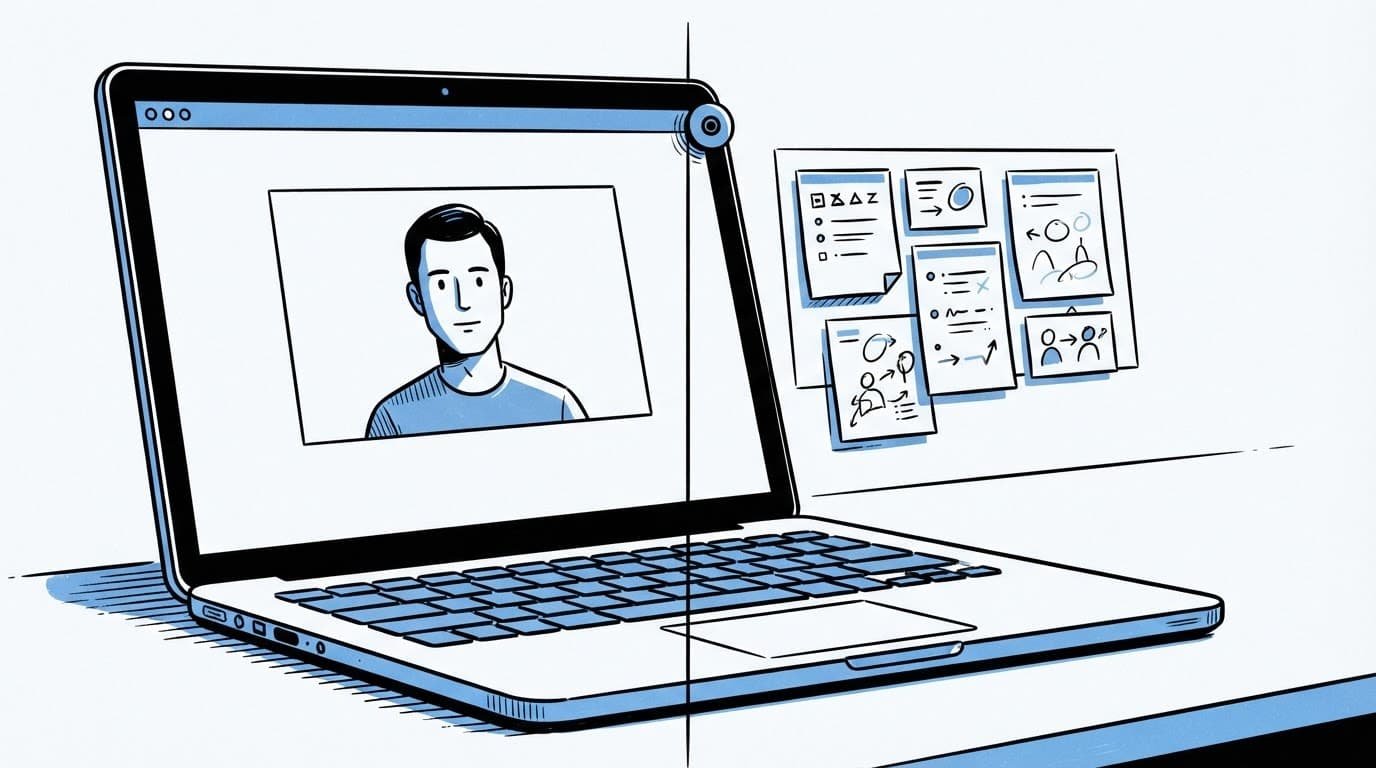
You can use notes during a virtual job interview, but they should be prompts rather than a hidden script. Place one small page near the webcam with your top achievements, a few company facts, and questions you want to ask. Reading long sentences will pull your eyes away from the camera and flatten your delivery.
Keep the job description open in a single clean window. If you have a digital portfolio, prepare one relevant link or work sample in advance. Mention it when it supports the conversation, then share your screen only after asking permission. A well-timed sample is stronger than scrolling through a folder while the interviewer waits.
Handle technical issues without losing command
Technical issues can happen during a virtual interview, even with strong preparation. Your goal is to communicate quickly, choose a backup, and return to the discussion without making the interruption the main event.
At the start of the call, confirm that the interviewer can hear and see you. If something fails later, state the problem in one calm sentence. Use the meeting chat when your microphone is unavailable.
Use this response plan when a problem appears:
| Problem | Best next move |
|---|---|
| Your audio stops working | Use chat to say you are switching to a headset, then rejoin if needed. |
| Video freezes but audio works | Tell the interviewer, turn video off briefly, and continue speaking. |
| Your internet drops | Join from your phone, use a hotspot, or call the provided number. |
| The video platform will not open | Restart once, then contact the recruiter by phone or email immediately. |
Avoid a long apology or a detailed explanation of every troubleshooting step. Say, “Thank you for your patience. I am back now and ready to continue,” then pick up your last point.
Handling technical issues calmly also signals good judgment. Keep the meeting link, recruiter contact details, charger, and hotspot option ready before the interview begins.
Prepare differently for AI-assisted and recorded interviews
Some employers use AI tools to screen applications, organize hiring workflows, or support recorded interview reviews. In an AI-assisted virtual interview workflow, your answers still need to sound like you, match your application, and show sound judgment.
A one-way interview is a recorded video interview, not a live conversation with a recruiter. You may see one prompt at a time, get limited preparation time, and work against a countdown clock. Read the instructions before recording. Confirm how the video platform handles retakes, preparation time, answer length, and deadlines.
Use timed practice questions, but don’t memorize paragraphs. Turn that rehearsal into a short mock interview. Prepare five or six adaptable stories showing problem-solving, teamwork, ownership, conflict management, and measurable results. Research the company, then align each story with the job description.
Your resume, cover letter, and spoken answers should tell the same story. CareerScribeAI’s AI Resume Builder can help connect your achievements to the posting, while its Cover Letter Generator can carry those facts into your application. Its short cover letter guidelines can help keep that written case focused. Use the platform’s Interview Prep Tools to rehearse concise answers based on the same evidence.
AI can help you practice, but don’t let it replace your voice. Remove filler words, tighten vague claims, and keep examples you can explain confidently when someone asks a follow-up.
Close the loop with a precise follow-up
After a virtual interview, send a thank-you email within 24 hours. Refer to one point from the conversation, restate your interest in the role, and briefly remind them of the experience that fits their needs. Keep it personal and short.
If you spoke with several people, send this follow-up email to each panel member when you have their contact details. Otherwise, send a thoughtful note to the recruiter and ask them to share it with the panel.
Use your message to clarify practical details that didn’t fit naturally during the call. For remote roles, ask for the current written expectations around location, time zones, travel, and office visits. The advice in this remote work FAQ for job seekers is clear: confirm remote arrangements in writing rather than relying on broad labels.
Frequently Asked Questions
How early should I test my virtual interview setup?
Test your device, internet connection, camera, microphone, meeting link, and platform settings at least 24 hours before the interview. Repeat the essential checks about 30 minutes before the call, with your laptop charged and notifications turned off.
Should I look at the camera during a virtual interview?
Look into the camera when making an important point, then look naturally at the interviewer’s face while they speak. This creates a conversational rhythm without making your eye contact seem fixed or unnatural.
Can I use notes during a virtual interview?
Yes, but keep them brief and place them near the webcam as prompts rather than a script. Include key achievements, company facts, and questions, and avoid reading long sentences that could make you look distracted.
What should I do if a technical problem occurs?
Explain the issue in one calm sentence, use the meeting chat if necessary, and move quickly to your backup option, such as a phone, headset, or hotspot. Thank the interviewer for their patience and return to your last point instead of giving a long apology.
How should I prepare for an AI-assisted or recorded interview?
Read the instructions carefully and confirm the preparation time, answer length, retake policy, and deadline. Practice concise answers using adaptable stories about problem-solving, teamwork, ownership, conflict management, and measurable results while keeping your responses authentic.
Bring the person behind the screen into focus
Strong remote conversations feel calm because the candidate has already handled details that create friction. Test the technology, control the space, keep a backup ready, and speak from real examples.
Your preparation should support, not hide, your personality. A natural virtual presence lets your experience and judgment lead the conversation.