


Two legitimate jobs can overlap without raising concern. Hiding an active role or changing dates creates a bigger problem than the overlap itself.
A resume for two jobs should present a clear work history at a glance. It should help a hiring manager understand both roles, your previous experience, and how they support the target position.
Keep each employer name connected to its correct start date and end date. Then use a clean structure and decide how much context the reader needs.
Key Takeaways
- Keep each employer connected to its correct job title, start date, and end date, even when two roles overlap.
- Use separate work experience entries for concurrent jobs at different employers, and stack titles when the roles were consecutive positions at one company.
- Apply one consistent month-year date format and a simple one-column layout so recruiters and applicant tracking systems can follow the timeline.
- Add brief context only when it answers a likely question, and never hide overlap by changing dates or revealing confidential information.
- Give recent roles the strongest accomplishment bullets while using older experience selectively to show progression.
How to format a resume with two jobs
Choose a resume format based on whether multiple positions were held at different employers or with the same company. Preserve reverse chronological order, with the newest or current role first.
Use separate entries for concurrent employers
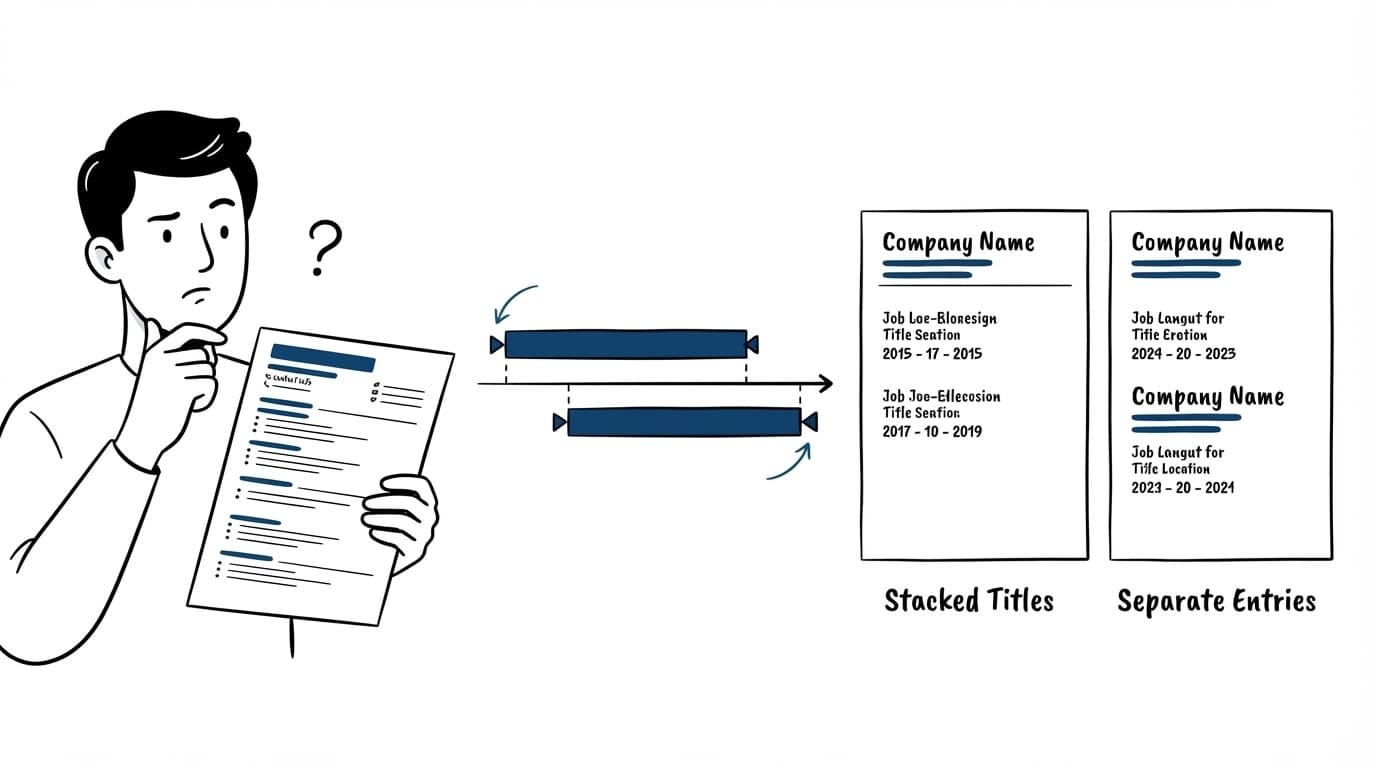
Create a full work experience entry for each employer when you held two distinct jobs at the same time. Include the employer name, role-specific job titles, location when useful, and employment dates in month-year format. Give each entry its own start date and end date, then add concise achievements.
A genuinely concurrent, part-time entry level position can still receive its own entry.
Copy this structure:
Company, City, State
Job Title | Start date: Jan 2024 | End date: Present
- Add an accomplishment that matches the role you want next.
Keep the two roles separate even if their responsibilities overlapped. Separate entries help an applicant tracking system parse a complete title, employer, and date range for each job.
Stack titles when one employer promoted you
Use one heading for consecutive roles under one employer, and list the employer name once. Put the newest title first, followed by its dates and strongest accomplishments. Summarize previous experience under earlier titles with fewer details. Give the latest role the strongest bullet points, and don’t repeat identical job duties.
| Your situation | Best layout |
|---|---|
| Two current employers | Two separate work experience entries |
| Promotion at one employer | One company heading with stacked titles |
| Lateral move with similar duties | Stacked titles with combined relevant bullets |
| You left and later returned | List the employer twice with separate date ranges |
Show overlapping job dates without creating doubt
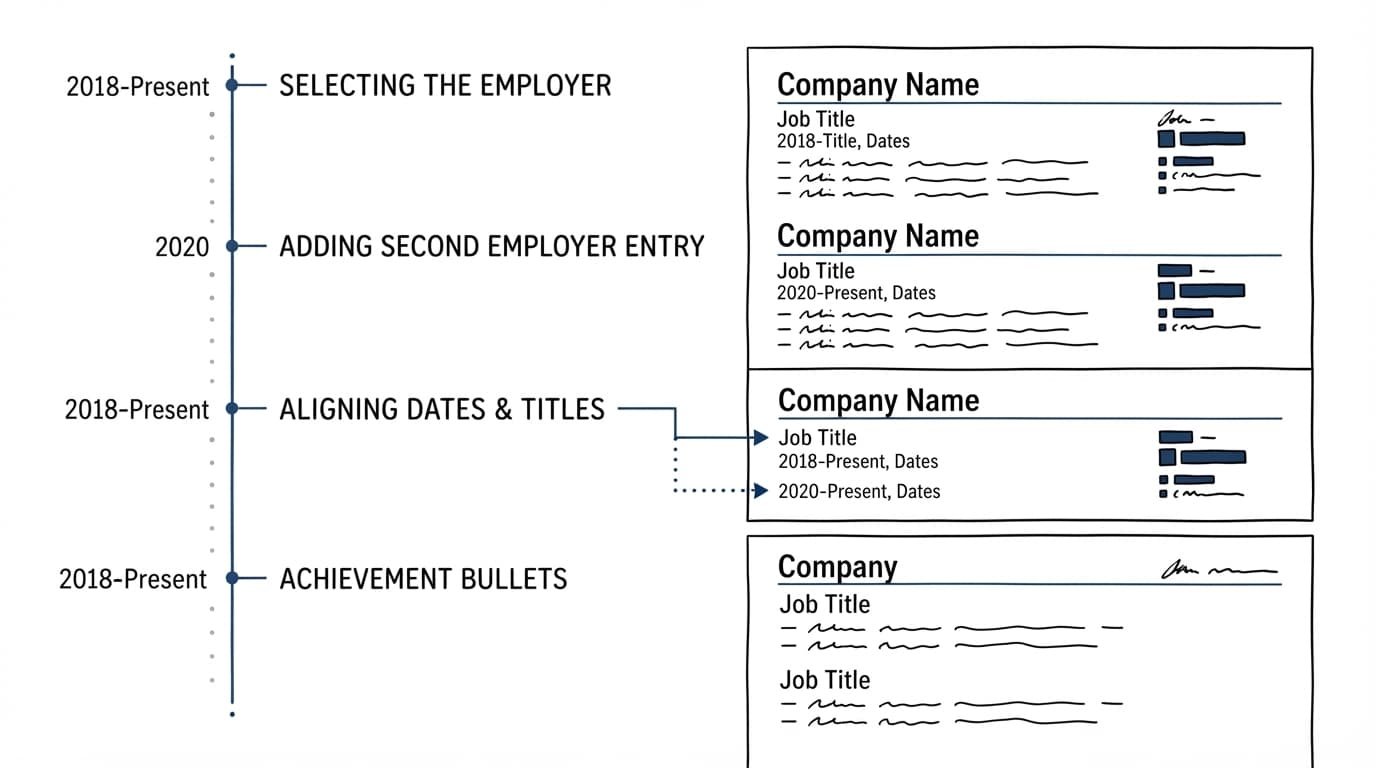
For concurrent employment, record the actual employment dates, including each role’s true start date and end date. Match each pair to the correct employer name. A recruiter can understand that a part-time consulting role overlapped with a full-time position.
Use one date format throughout
Use Jan 2024 - Present or 01/2024 - Present across every entry. Apply the same start date and end date format to each role. Month and year show the timeline more accurately than years alone, especially when overlapping dates lasted only a few months.
Place each start date and end date beside the corresponding role. Keep the employer name with its dates, rather than placing dates in text boxes, page headers, sidebars, or visual timelines. Resume software may misread information placed in those elements.
Add context only when it solves a real question
You don’t need to label every role “concurrent.” However, add a short clarification when two full-time positions could confuse a reviewer. For example, identify an independent contract role as “Part-time Consultant” when that description is truthful and fits the job duties.
Before submitting, audit the timeline. Check that every start date has a matching end date, the format stays consistent, and no role is missing. A complete work history is easier to review when each entry supports a clear timeline.
When dates overlap, clarity beats concealment. Leave both date ranges intact and let the role titles explain the work.
Build an ATS-friendly resume for concurrent roles
An applicant tracking system should parse a conventional one-column Work Experience section without confusion. It must identify each employer name, job title, employment period, and key accomplishment for multiple positions, including roles at different employers.
Keep every entry easy to parse
Use a conventional “Work Experience” heading and a simple one-column layout. Then apply these rules:
- Put job titles directly under or beside the employer.
- Use the same date format for every position, with a clear start date and end date.
- Write company names in full, unless the company commonly uses an abbreviation.
- Match relevant skills and terms from the job description in your bullets.
CareerScribeAI’s AI Resume Builder can help organize role-specific accomplishments around a target posting. If overlap needs a brief explanation, its Cover Letter Generator can help keep that context direct. The Interview Prep Tools are useful for rehearsing questions about workload, availability, and career decisions.
Adjust the format for federal applications
Applicants should follow the specific agency and USAJOBS instructions before uploading your document. Review USAJOBS guidance on resume content for the required details.
Page limits vary by agency, so consult the OPM resume-length guidance before finalizing your document. If an agency sets a two-page limit, keep current roles detailed, then reduce older bullets instead of compressing dates or titles.
Explain promotions and protect sensitive details
A promotion should show more than a new title. Lead the newer role with the accomplishment that earned broader responsibility, such as managing a larger team, owning a budget, or taking responsibility for a new client group.
Make career progression visible
Show career progression in the work experience section by giving your newest role more space. Use previous experience selectively, focusing on increasingly substantial results. A second role can demonstrate a promotion when it brings broader responsibilities, even if the title changes only slightly.
Use fewer bullet points for older roles and give your latest position more space. This approach keeps the resume focused while showing growth. If you returned to a former employer, list non consecutive roles at the same company as separate entries, with dates for each period.
Review outside-work obligations
If you still hold both jobs, review your employment agreement, handbook, moonlighting policy, confidentiality duties, and conflict-of-interest rules. Some employers require disclosure of freelance work, consulting, or secondary employment.
Don’t include confidential client names, internal pricing, product plans, or proprietary results in your descriptions. Your work history should remain truthful while omitting protected details. Keep each start date and end date accurate, but your resume doesn’t need to reveal sensitive information.
Frequently Asked Questions
Should I include two jobs that overlapped on my resume?
Yes, include both jobs with their actual employment dates. Accurate dates build trust and give recruiters a complete view of your experience.
How should I list two jobs at different companies at the same time?
Create a separate work experience entry for each employer. Include the correct job title, employer name, start date, end date, and role-specific accomplishments for each position.
Should I explain overlapping dates on my resume?
You do not need to label every role as concurrent. Add a short, truthful clarification such as “Part-time Consultant” when it helps explain two full-time-looking roles.
How do I list promotions at the same company?
Use one company heading and stack the titles beneath it, with the newest role first. Give the latest position more detail and summarize earlier responsibilities without repeating identical duties.
Can a resume include a part-time or freelance job alongside a full-time role?
Yes, a relevant part-time, freelance, or consulting role can have its own entry, and a part-time job resume shows how to format one. Review outside-work policies and avoid including confidential client names, pricing, or proprietary results.
A clear timeline earns trust
A strong resume for two jobs doesn’t try to disguise concurrent work. It gives each role an accurate start date and end date, a readable structure, and achievements that show why the experience matters.
When the timeline is easy to follow, recruiters can focus on your skills and growth instead of questioning unexplained changes.