


Spotting an error after you click “Submit” can make an otherwise strong application feel ruined, but one mistake doesn’t automatically define your first impression. Your next step usually depends on what the mistake changes, not how embarrassed you feel.
You can often correct an application through the employer’s portal or a short message to the recruiter. First, separate errors that affect hiring decisions from minor slips that don’t need another email.
Key Takeaways
- Correct inaccurate qualifications, contact details, or missing or incorrect attachments promptly. A careful, proportionate correction shows attention to detail.
- Check the application portal before contacting the employer.
- Don’t withdraw and reapply unless the employer confirms you can.
- Send one clear correction rather than several apologetic messages.
Decide Whether the Mistake Needs a Correction
A mistake matters most when it prevents contact, misstates your experience, or changes your eligibility. Consider what a recruiter would understand differently because of it.
Fix errors that affect accuracy or eligibility
An incorrect phone number, employment date, degree, or work authorization answer deserves prompt attention, especially if it misstates your professional experience or special skills. Verify claims such as project management experience if they could affect your eligibility.
Correct missing digits in your email address immediately because interview invitations may never reach you. If you overstated a qualification, give the accurate information without trying to soften it.
For sensitive screening questions, use the employer’s official recruiting channel. Avoid sending identity documents or other private records through an unverified email address.
If a video application contains a meaningful factual error, ask whether you can correct it. Check whether the employer allows you to replace the submitted application video.
Use judgment with small typos
An isolated grammar mistake or spelling error that doesn’t change meaning usually doesn’t justify a replacement application. However, mistakes in the employer’s name or in a writing-focused role deserve closer consideration, especially if the job description emphasizes written communication.
There’s no universal rule that one grammar mistake causes automatic rejection. Employers have different standards, and the role matters.
If your correction would only replace a comma or improve phrasing, leave the submitted version alone. Repeated messages can create more confusion than the original typo.
Check How to Correct Your Submitted Application
Look for editing or document replacement options
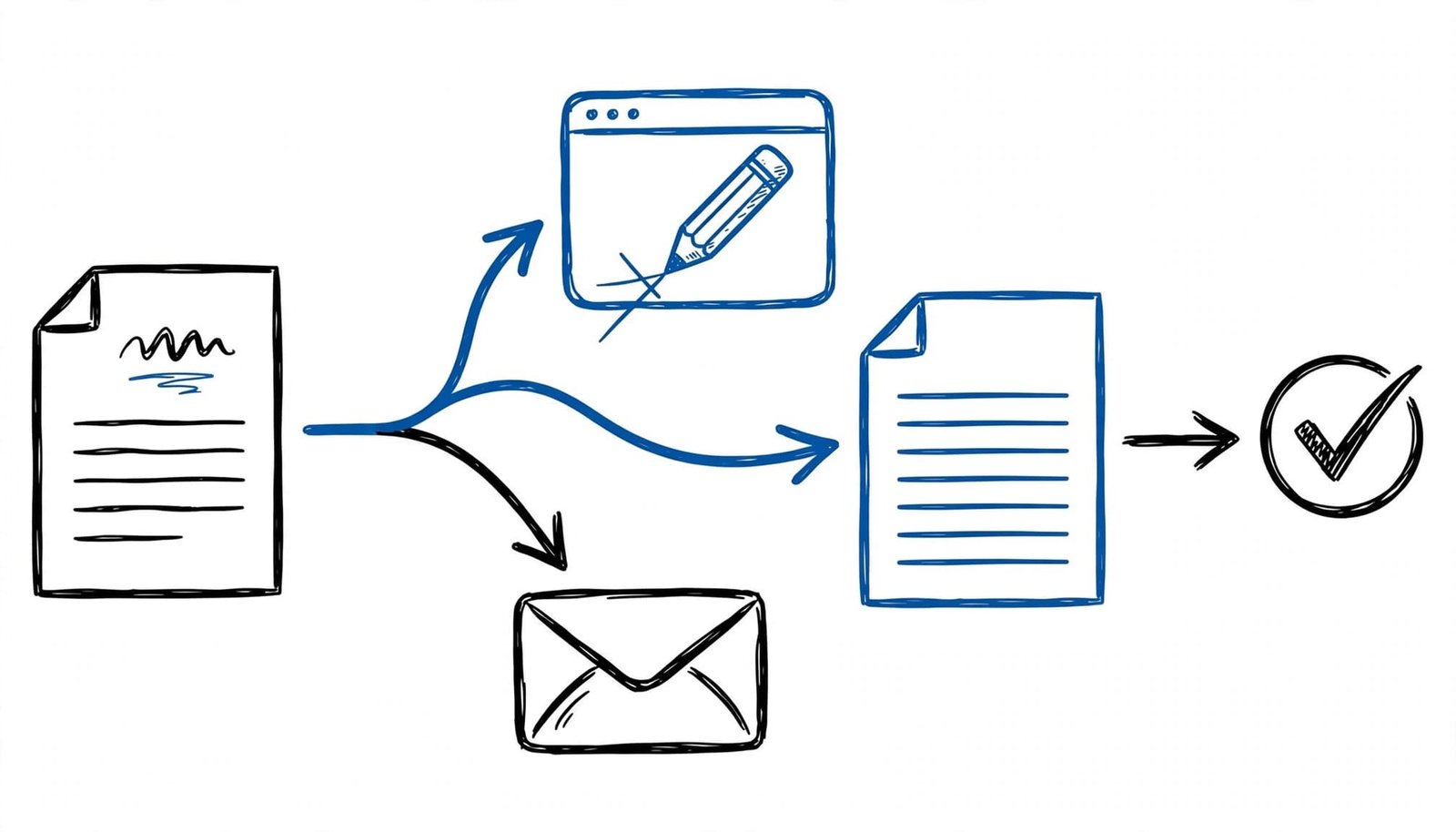
Sign in through your submission confirmation email. Open the specific application and look for options to edit answers, replace documents or an application video, or contact recruiting support.
Policies and deadlines vary by employer and across the application process. For example, Government of Canada application guidance allows applicants to retrieve and update applications before the process closes.
After making changes, follow every save and submission instruction. Then check the application status and download any available confirmation. Updating your candidate profile may not update an application you already submitted, so verify the actual record.
Avoid withdrawing without checking the rules
Some portals lock submitted applications. Dalhousie University’s recruitment FAQ, for example, states that applications can’t be edited after submission.
Don’t assume withdrawing will let you submit again. You could lose your place or miss a deadline. Likewise, a second application may create duplicate records rather than replace the first.
If editing isn’t available, check the job posting and confirmation email for a recruiting or human resources contact. For a spontaneous application without a posting-specific portal, contact the employer directly and ask how to provide corrected information before making another submission.
Send a Short Correction Email to the Recruiter
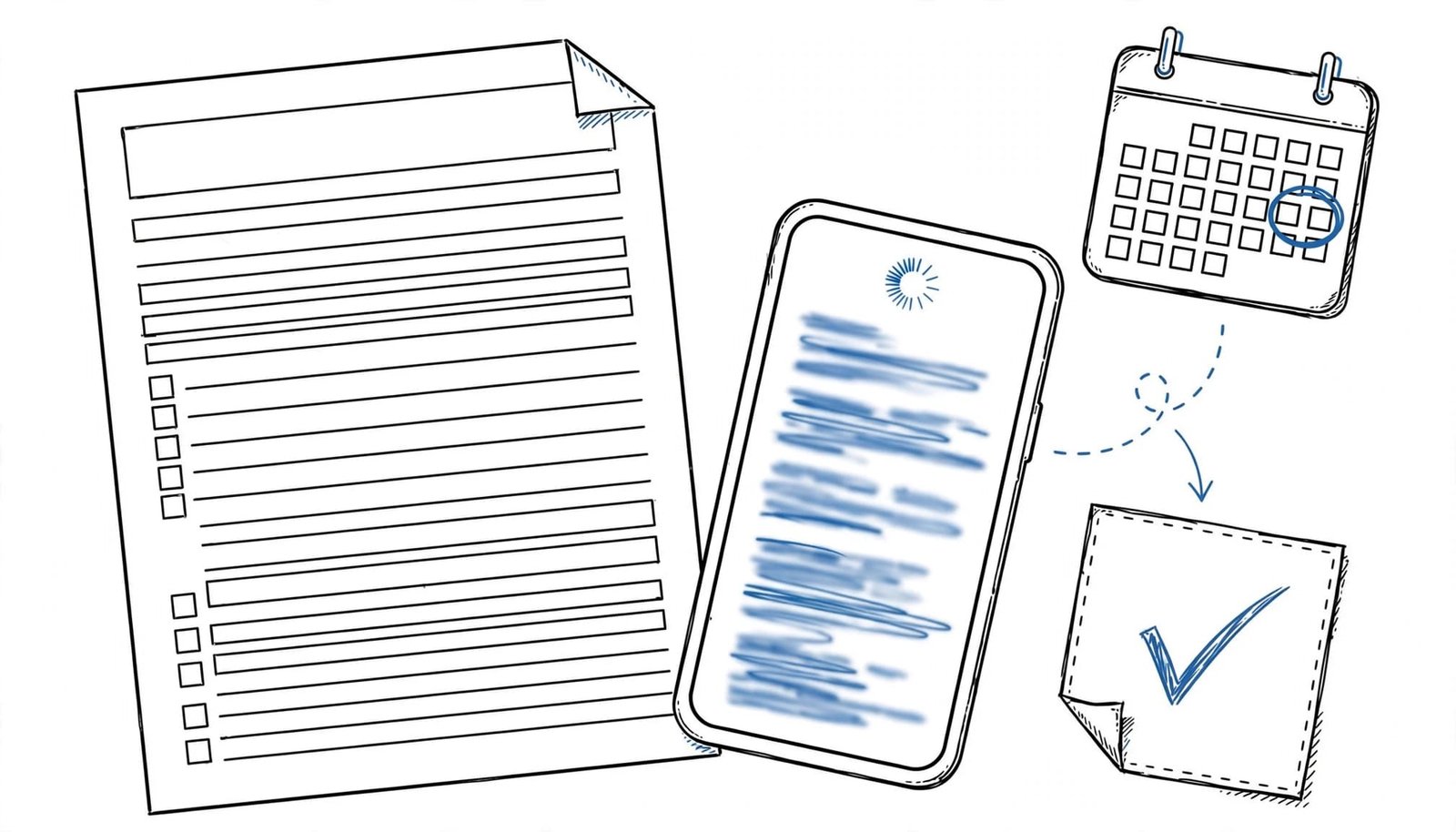
Contact the recruiter, human resources, or designated hiring inbox as soon as you verify a material error. Include the job title, application date, and requisition number if available.
State the correction directly. One brief apology is enough; lengthy explanations about stress or application volume don’t help.
Subject: Application correction: [Job title], [Your name]
Hello [Recruiter name],
I submitted my application for [job title and requisition number] on [date]. I noticed that [identify the incorrect information]. The correct information is [accurate detail].
I’ve attached the corrected [resume or cover letter]. Please use this version when reviewing my application, or let me know if I should update it through another channel.
I apologize for the oversight. Thank you for your time.
Best, [Your name]
Remove the attachment sentence if you’re only correcting an application form answer. For a replacement application video, name the file clearly and identify the video application you’re correcting. Use filenames such as Firstname_Lastname_Resume.pdf, and check each file before sending.
Save the message. If you don’t receive confirmation, follow the employer’s stated follow-up guidance rather than repeatedly contacting different employees.
Keep Your Corrected Documents Consistent
Once you’ve fixed the error, update your master resume and cover letters. That helps prevent the same mistake from appearing in your next application.
Check each claim against your professional experience, including project management results and personal projects listed in your materials.
CareerScribeAI.com’s AI Resume Builder shows proposed edits line by line, so you can accept, change, or reject them. Check dates and qualifications yourself; an AI-generated sentence still needs your approval.
Its Cover Letter Generator can help create a role-specific draft. However, compare every employer name and achievement against your records before exporting it.
Also, record the correction in CareerScribeAI’s Application Tracker. Keep the submission date, document version, and recruiter correspondence together so you know which information the employer received.
Before applying again, open the exported files rather than checking only the editor. Confirm that links work, contact details are accurate, and the selected attachments belong to that employer.
Frequently Asked Questions
Will correcting an application mistake hurt my chances?
A correction can’t guarantee an interview, but accurate information gives the employer a sound basis for evaluating you. Keep your message factual and proportionate. A major discrepancy left uncorrected can create a harder conversation later in the hiring process.
What if I notice the error during an interview?
If you notice a factual error during the interview process, correct it when the relevant subject comes up: “My submitted resume lists the wrong end date. The correct date is June 2025.” Then continue normally. CareerScribeAI’s Interview Prep Tools can help you practice discussing your experience using the corrected resume.
Make the Correction Clear, Then Move Forward
A submitted application error rarely needs a dramatic response. Focus on accurate information, use the employer’s preferred channel, and make the replacement easy to identify.
Once you’ve documented the correction, return to your job search. Reviewing your next application carefully shows attention to detail and is more useful than revisiting a minor typo.