

An assessment invitation can feel harder to prepare for than an interview because you don’t know what you’ll face. The most useful preparation for a pre-employment assessment test starts with identifying the format and practicing the skills it measures.
You don’t need to memorize answers or invent an ideal personality. Focus on targeted practice, then confirm the rules before you start.
Know What Your Assessment Measures
Employers use assessments to gather evidence beyond your resume for candidate screening. That evidence can inform hiring decisions, but it doesn’t guarantee job performance. Different tests require different preparation.
The EEOC’s guidance on employment tests describes tools for assessing abilities, skills, and other job-related characteristics. Tests should be job-related and administered consistently to help limit hiring bias.
Use the invitation and job description to narrow your preparation.
| Assessment type | What it evaluates | Useful preparation |
|---|---|---|
| Cognitive ability tests | Reasoning, learning, and problem-solving | Practice numerical, verbal, and abstract reasoning |
| Skills assessment | Role-specific knowledge and technical skills | Review relevant software, procedures, or concepts |
| Work sample tests | Performance on a realistic task | Rehearse tasks named in the job posting |
| Personality tests | Work preferences and typical behavior | Reflect on how you usually work |
| Situational judgment | Decisions in workplace scenarios | Review priorities and role responsibilities |
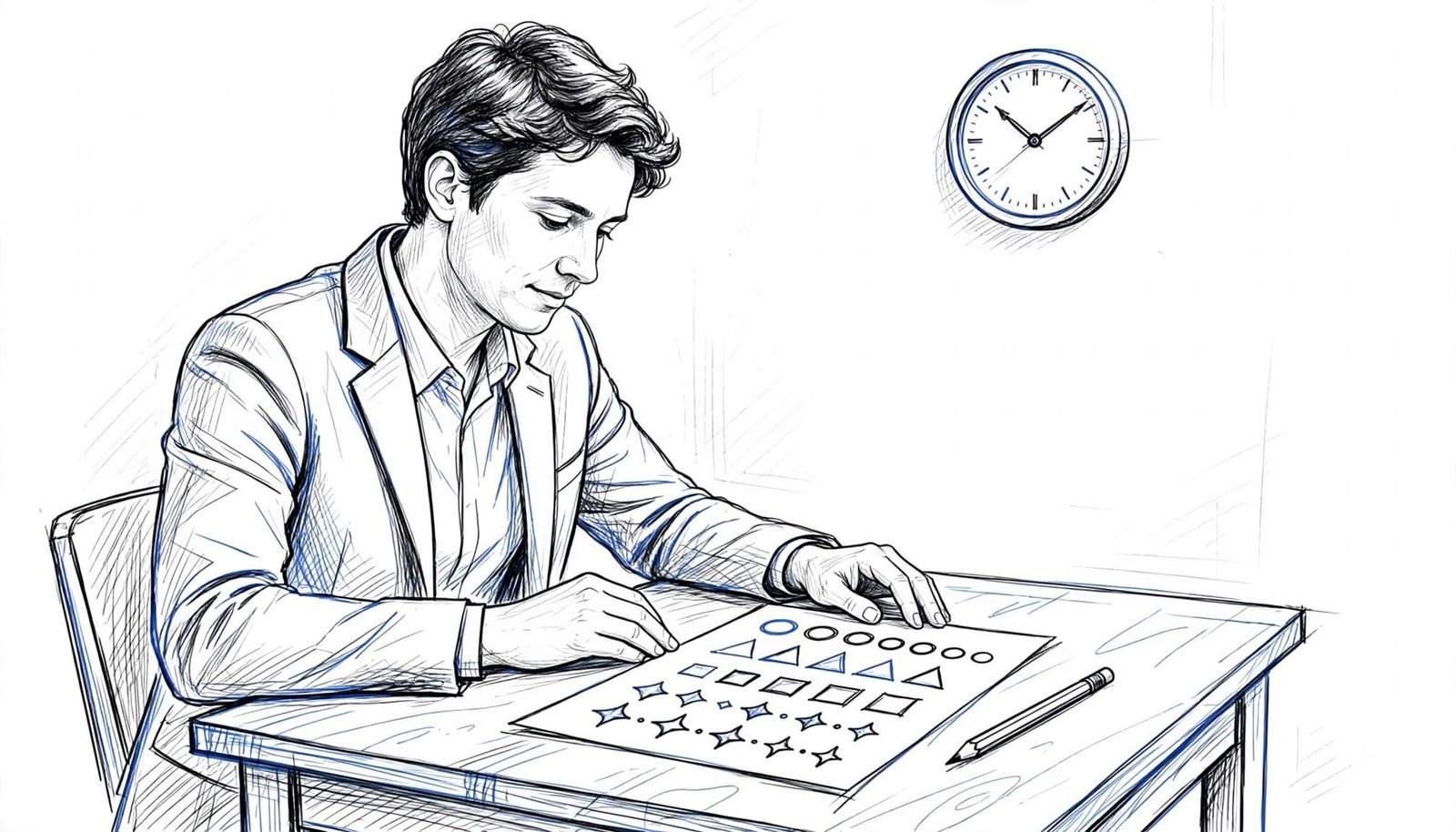
For example, an Excel task calls for spreadsheet practice, while aptitude testing for numerical reasoning involves interpreting percentages and charts. Personality tests need a different approach: answer honestly rather than guessing what the employer wants. Behavioral assessments may use separate methods to evaluate workplace actions, so check the invitation for details.
Don’t assume every assessment from the same provider uses identical timing or scoring.
Confirm the Rules and Request Support Early
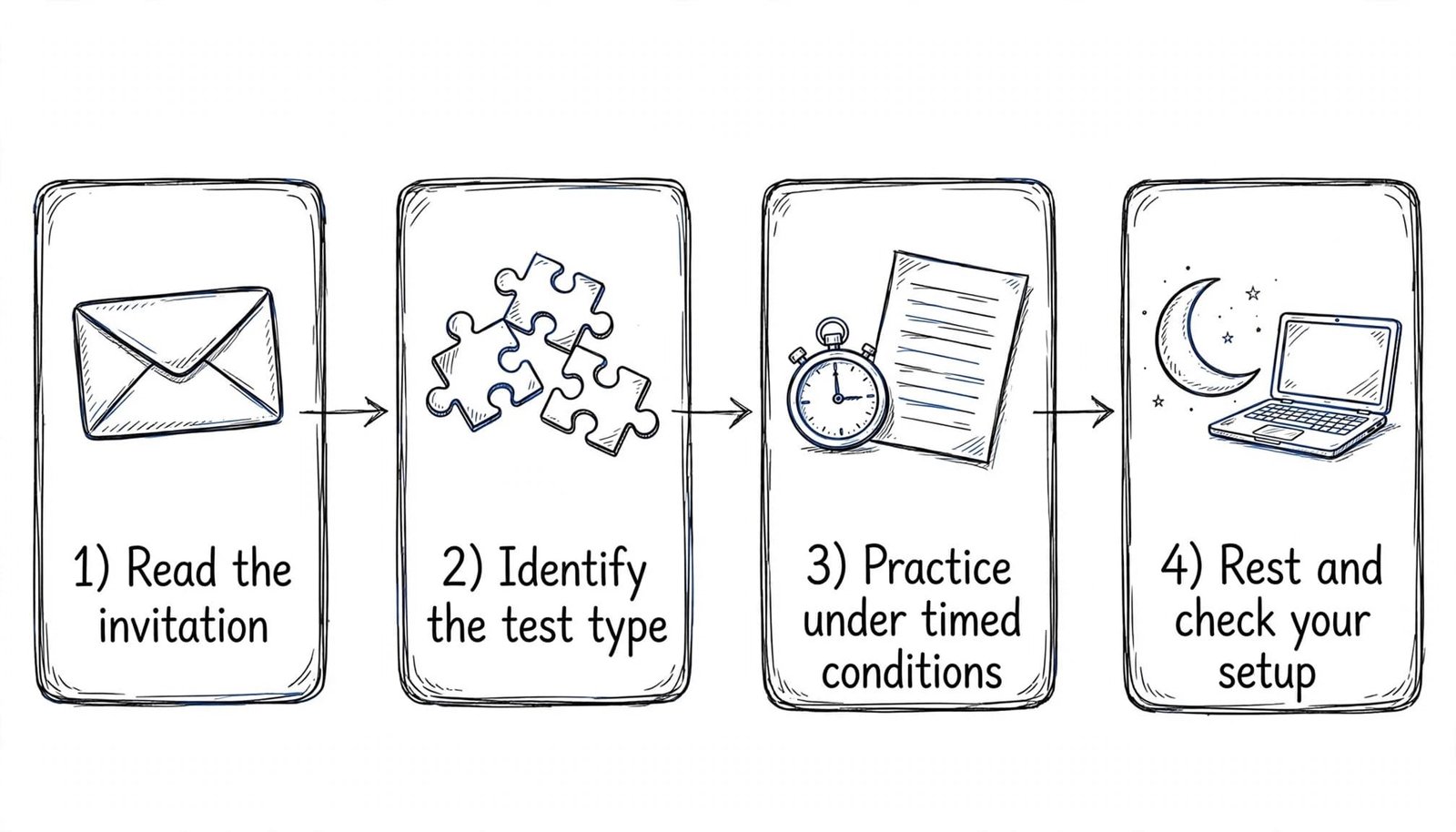
Read the invitation before practicing
Check the deadline, expected duration, device requirements, and whether the assessment includes several sections. Also confirm whether you can pause, revisit questions, use a calculator, or keep notes.
The invitation may arrive through an employer’s applicant tracking software or a recruitment platform. Follow its specific assessment instructions, since systems and test rules can differ.
If the invitation names Criteria, SHL, TestGorilla, or HireVue, look for that provider’s candidate guidance. Use official examples when available rather than buying unrelated practice packs.
When instructions are unclear, contact the recruiter. A short message asking about the format and permitted resources helps you prepare without requesting confidential questions.
Arrange accommodations and check privacy
If a disability affects how you take the test, request an accommodation before starting. Depending on your needs and the assessment, adjustments might include accessible materials or additional time.
For U.S. applicants, the EEOC’s applicant accommodation guidance explains that employers may need to adjust testing arrangements under the ADA.
Also review any recording, identity-verification, or proctoring requirements. Ask what information the platform collects and whom to contact about technical problems.
Build a Focused Preparation Plan
Practice the skills the role requires
Start with the job posting. Identify the tasks you’ll perform, then connect them to the assessment format.
For numerical reasoning, review ratios, percentage changes, and data interpretation. For verbal reasoning, practice drawing conclusions only from the passage provided. Technical assessments need hands-on work with the language or software named in the role.
CareerScribeAI’s Job Description Analyzer separates required skills from preferred qualifications. That can help you prioritize preparation. Its AI Resume Builder can also organize your experience, but resume alignment doesn’t replace demonstrating the skill.
Use timed practice and review mistakes
Complete a short practice session without time pressure first. Then repeat under conditions that match the invitation.
Review why each mistake happened. Did you misunderstand the question, miss a calculation, or spend too long on one item? Your next session should address that weakness.
For written or recorded responses, rehearse concise explanations of real experiences. CareerScribeAI’s Interview Prep Tools generate likely behavioral and technical questions using your resume and the posting. Use STAR, Situation, Task, Action, Result, to organize behavioral answers.
A resume match score measures application alignment. It doesn’t predict your assessment score or guarantee a hiring decision.
Stop heavy practice before bedtime. Protect sleep rather than adding another rushed session.
Handle Assessment Day Without Avoidable Mistakes
Set up a quiet space and test your internet connection. Plug in your device, close unnecessary applications, and silence notifications. Keep only permitted materials nearby.
Follow this sequence once you’re ready:
- Read the opening instructions, including scoring and navigation rules.
- Complete any tutorial or sample items before the timed section.
- Monitor your pace without checking the clock after every question.
- Follow the platform’s submission process and save any confirmation.
Don’t assume guessing always helps. Some assessments penalize incorrect answers; others don’t. Likewise, skipping and returning may be unavailable.
For situational judgment questions, prioritize safe, ethical actions that fit your responsibilities. For personality questions, describe your usual behavior rather than an imagined perfect employee.
If a technical failure occurs, record the error and contact the recruiter or support team promptly. Don’t restart repeatedly unless instructed.
Key Takeaways
- Identify the assessment format before choosing practice materials.
- Confirm timing, permitted resources, and accommodations early.
- Practice relevant skills and review the causes of mistakes.
- Use AI for preparation only when appropriate, never to bypass assessment rules.
Conclusion: Prepare for the Task You’ll Face
Strong preparation makes unfamiliar instructions easier to handle and reveals skills that need more practice. It also reduces avoidable problems with timing and technology.
Before your pre-employment assessment test, prioritize relevant practice over memorized answers. Your goal is to demonstrate your abilities accurately under the employer’s stated conditions.
Frequently Asked Questions
How long should I prepare?
Use the time available before your deadline. Start by reviewing the format, then focus on unfamiliar skills. Several short sessions allow you to review mistakes between attempts, while one long session can leave little time to adjust.
Can I use AI during the assessment?
Only when the employer’s instructions explicitly permit it. AI can help explain concepts or generate practice questions beforehand. During the assessment, unauthorized assistance can invalidate your results, even if you’re using it only to check an answer.