A strong resume can still disappear if the format breaks inside ApplicantPro, a widely used Applicant Tracking System. In 2026, the safest ApplicantPro ATS resume format is still plain, clean, and easy for software to read.
That means a single-column layout, standard section names, simple bullets, and keywords that match the job description. This resume format ensures optimal software readability. Below, you’ll see what works, what fails, and how to run a fast copy-paste test before you apply.
What ApplicantPro reads best in 2026
Public guidance hasn’t shown a special ApplicantPro-only format change for 2026. Still, current Applicant Tracking System rules are consistent. Staffing agencies often use ATS software to handle high-volume applicant data, and ApplicantPro, like most modern systems, parses simple resumes better than designed ones.
This is the safe setup:
| Element | Safe choice | Risky choice |
|---|---|---|
| Layout | simple layout, single-column, left-aligned | Sidebars, two columns |
| Font | standard fonts: Arial, Calibri, Times New Roman, 10 to 12 pt | Script, condensed, tiny fonts |
| File type | DOCX or clean PDF | Scans, image-based PDF |
| Headings | Summary, Experience, Skills, Education | Creative labels |
Keep margins between 0.5 and 1 inch. Use reverse-chronological order for work history. Also, keep contact details in the main body, not the header or footer.
That advice matches this ATS-friendly resume format guide, which also recommends structure over visual flair. In other words, think of your resume as a data file first and a design piece second.
The best ApplicantPro ATS resume format right now
Begin with your contact information: name, phone, email, city, and LinkedIn. If you include LinkedIn, use the full profile address as visible text in the document, not hidden anchor text.
Follow this chronological resume order: Professional Summary, Work Experience, Skills, Education, and optional Certifications or Projects. Those headings are familiar, and that helps parsing.
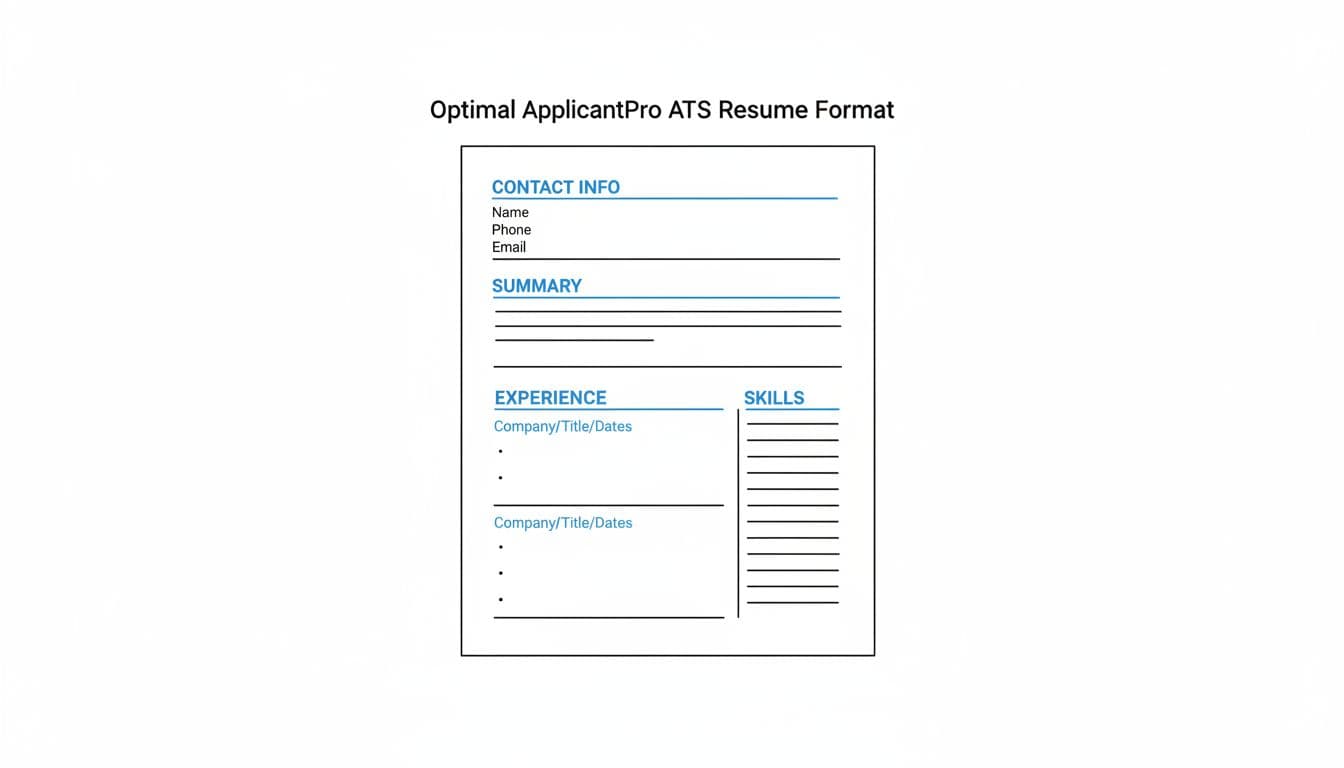
For dates, pick one style and stick to it. Month and year works well, such as Jan 2023 to Present. Don’t mix styles across jobs.
Bullets matter too. Keep them plain and short. Start with a verb, then show scope or results. “Managed calendar” is weak. “Managed a 4-exec calendar and cut scheduling conflicts 30%” is stronger.
Keyword use should feel natural. Pull the hard skills, tools, and job titles straight from the posting. Then work them into your summary, skills, and work experience where they honestly fit. The hiring manager uses a keyword-prioritizing algorithm to score results naturally based on the text. A broader 2026 ATS resume format guide makes the same point.
If your bullets sound flat, CareerScribeAI can help. Its AI Resume Builder can turn duties into measurable wins, while its Cover Letter Generator and Interview Prep Tools help keep the rest of your application aligned.
How to run the copy-paste test before you submit
The copy-paste test is simple, fast, and worth doing every time you change your resume. It simulates text extraction by ATS software, showing how your content may look when styling is stripped away.
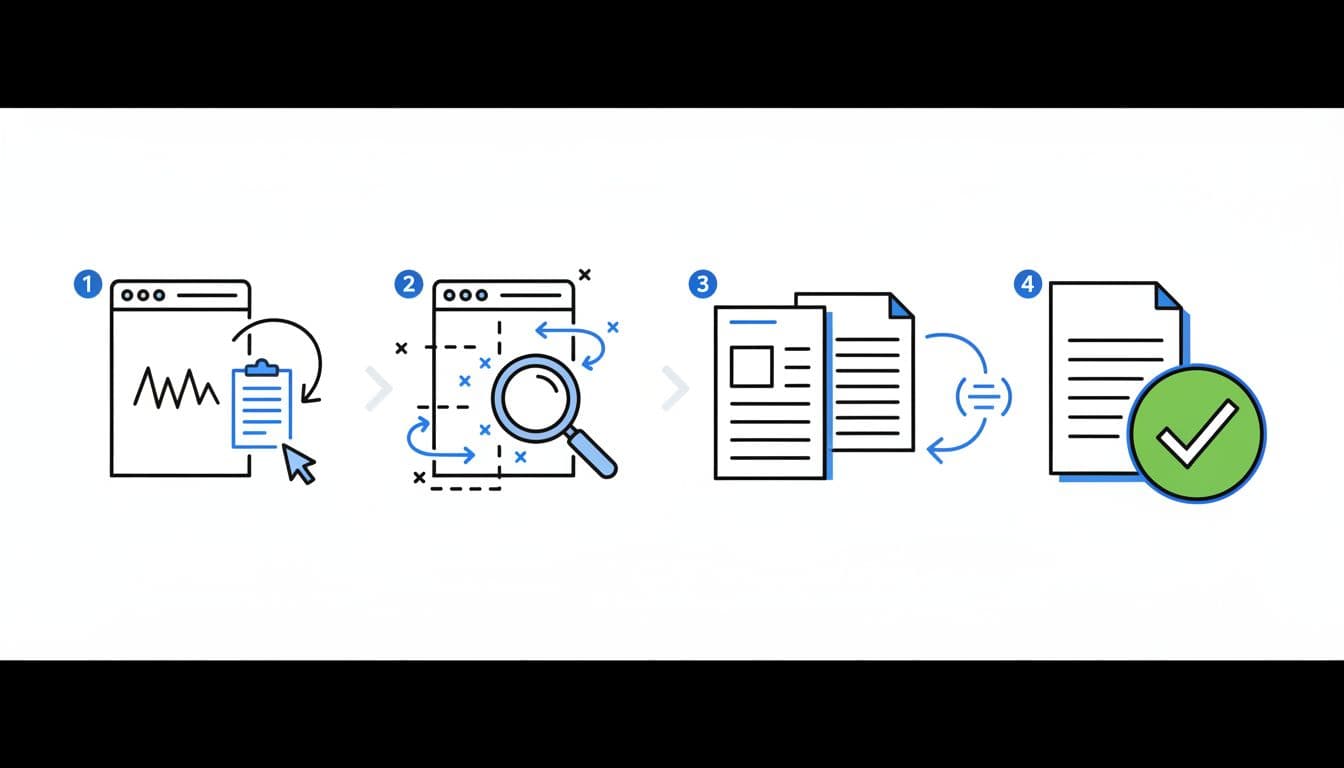
Follow these steps:
- Open your final resume file and copy all text.
- Paste it into Notepad or another plain-text editor.
- Compare it to the original and check section order, dates, bullet flow, and spacing.
- Fix anything scrambled and test again.
Look for red flags. Do job titles land in odd places? Do dates float to the wrong line? Did bullets turn into symbols or disappear? Did two columns merge into a wall of text?
If the plain-text version loses meaning, your resume format may cause the same issues during ATS processing.
When the test fails, common formatting issues like tables, text boxes, icons, headers, footers, and exported templates from design tools lead to parsing failures. A similar warning appears in this 2026 ATS formatting rules roundup, which treats copy-paste as a quick parsing check.
Quick checklist and common mistakes to avoid
Use this short list as the final step before every ApplicantPro submission in the job application hiring process.
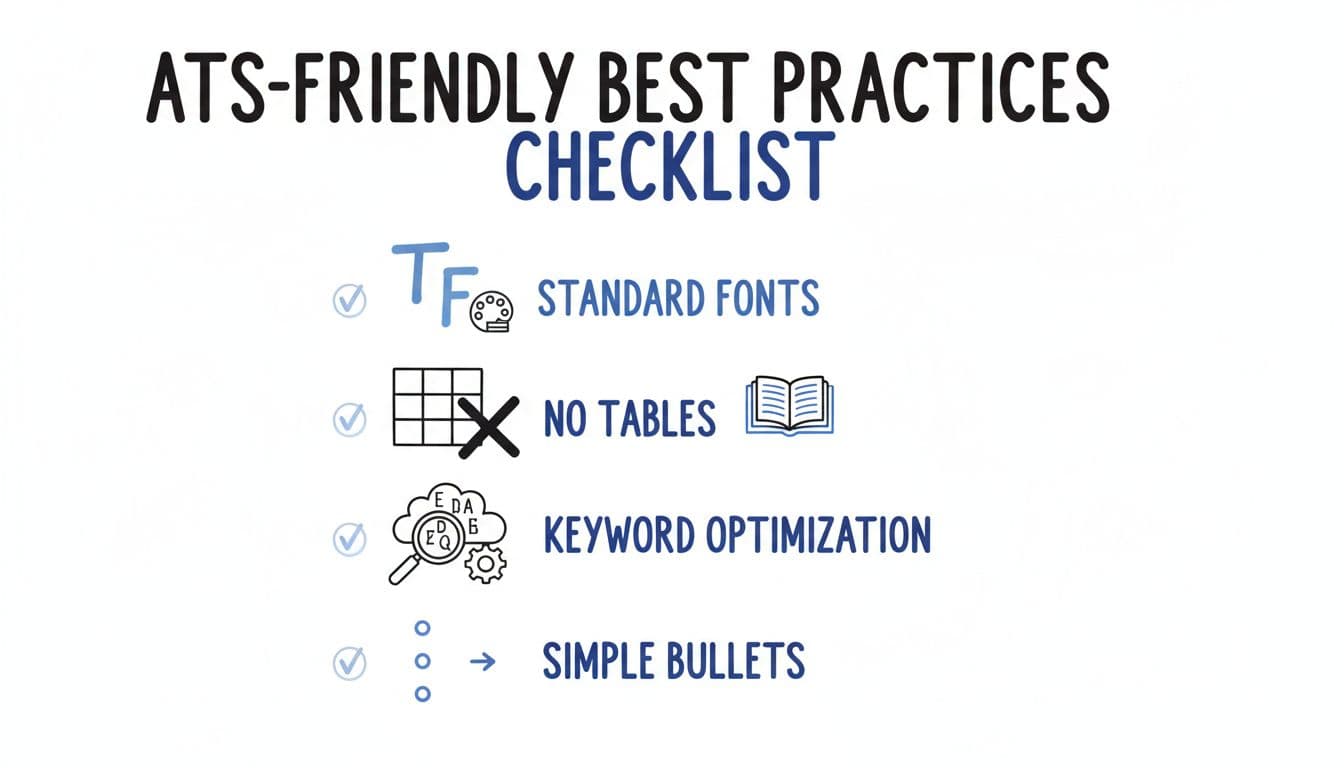
- Single-column layout with left-aligned text
- Standard fonts in 10 to 12 pt
- DOCX or clean PDF, never scans
- Normal section headings recruiters recognize
- Simple bullets, no charts, icons, or skill bars
- Keyword match based on the job post
The biggest parsing mistakes are easy to miss. Contact info in the header can vanish. A two-column skills sidebar can merge into your job history. Fancy bullets from Canva can become random characters. Even a polished PDF can fail if the text isn’t selectable. Candidate submissions from qualified candidates avoid these issues, making it easier for the hiring manager to review them.
PDF or DOCX?
Use the file types the employer asks for, such as PDF and DOCX. If both are allowed, choose the version that passes the copy-paste test cleanly.
How long should it be?
One page works for new grads and early-career roles. Two pages is fine when you have enough relevant results to justify it.
Keep the format simple, then tailor it hard
Stick to ApplicantPro compatible formats for the best resume in 2026. It is not the flashiest one. It is the one that keeps your experience readable, searchable, and easy to score.
Over-designed resume templates often fail in modern recruitment software. Use clean formatting with PDF and DOCX files, run the copy-paste test, and tailor your wording to the job post. When the system reads your resume clearly, you advance past screening questions so recruiters see your true value.