Your resume header is like the return address on an envelope. If it’s missing or messy, the message might still be good, but it may not get where it needs to go.
In 2026, resume contact information has to do three jobs at once: help a recruiter reach you fast, protect your privacy, and parse cleanly in applicant tracking systems. The good news is the modern “perfect header” is shorter than many people think.
Below is a practical checklist, what to cut (with exceptions), and resume format rules that keep both humans and software happy.
The 2026 resume contact info checklist (what hiring teams expect)
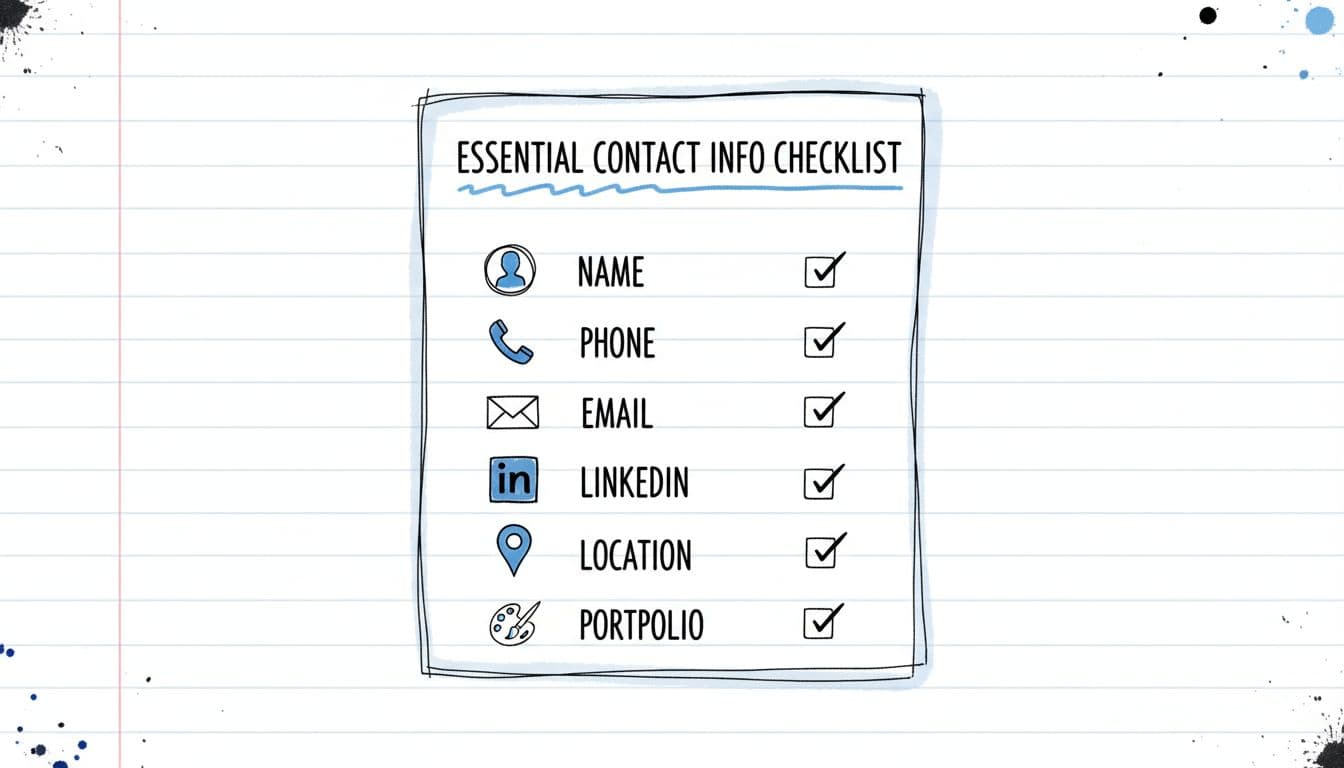
Recruiters skim fast. Your contact block should answer, in seconds, “Who is this, and how do I reach them?”
The essentials (almost always include)
- Full name: Use your full name professionally (or preferred name if that’s how you’re known). Make it the largest text in the header.
- Phone number: One number only, ideally your cell phone number. Keep voicemail professional.
- Email address: Use a simple format (first.last@). If your current email address is questionable, create a new professional email address.
- Location: In most cases, city and state is enough (or City, Country). Full street addresses are rarely needed now.
The “strong optional” items (include when they help)
- LinkedIn profile: Add it if it’s active and matches your resume. A bare, outdated profile can hurt.
- Online portfolio or GitHub: Great for design, writing, engineering, data, product, marketing, and many contract roles.
A quick rule: include links that prove you can do the job you’re applying for. For a deeper look at clean contact layouts that pass scanners, see best practices for formatting contact information for ATS.
A compact checklist you can copy
ItemInclude in 2026?Best practiceNameYesSlightly larger font than bodyPhoneYesOne phone number, include country code if neededEmailYesSimple, professional handleLocationYesCity and state (or City, Country)LinkedInOftenCustom URL if possiblePortfolio/GitHubWhen relevantShort, readable link
What to keep vs cut in your contact section (and why it matters)
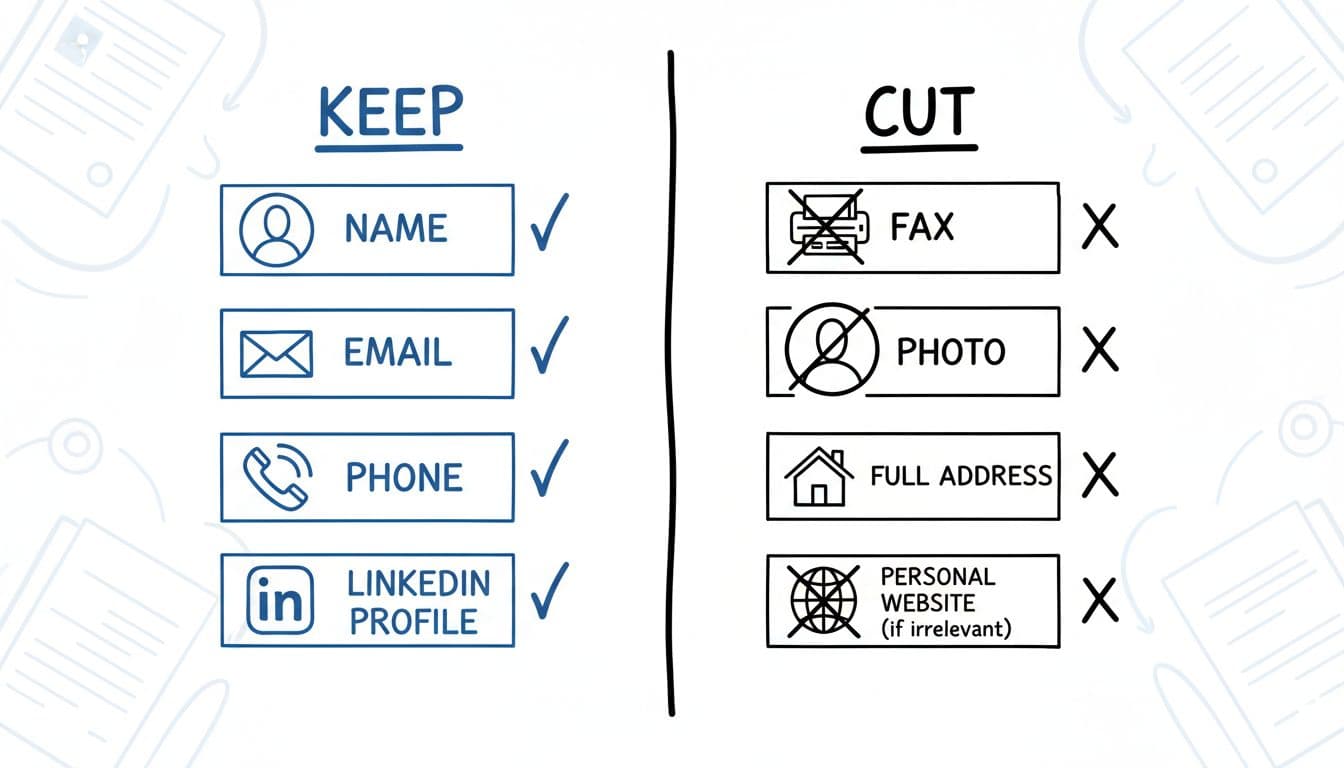
If your header feels crowded, it’s usually because it includes older habits from outdated resume templates that don’t help you get hired. Stick to modern resume template choices instead.
Keep (high signal, low risk)
Name, professional titles, phone, email, location, plus a relevant professional link. These items help the recruiter contact you and help the ATS match your application to your profile.
Cut (common in older resume templates)
Full street address or physical address: It’s a security risk that raises privacy concerns and can lead to geographic bias; it doesn’t improve screening for most roles.
Photo/headshot (in the US): It can introduce bias and is often discouraged.
Date of birth, marital status, citizenship details: Not needed for initial screening in many regions, and it can introduce bias.
Fax number: It’s 2026, it won’t help.
Multiple emails or phone numbers: It increases mistakes. Pick one of each.
“It depends” items (use with intent)
Pronouns: Optional. Include them if it helps you feel represented and your industry is supportive.
Full mailing address: Consider it only when a job post requests it (rare) or for roles tied to a specific site where mail delivery matters.
Social media links: Only add accounts that reinforce your candidacy (for example, a strong technical GitHub). Skip anything personal.
If you want broader formatting tips that reduce parsing errors, this 2026 roundup of ATS-friendly resume tips is a useful reference.
ATS-safe formatting for resume contact information (do this, avoid that)
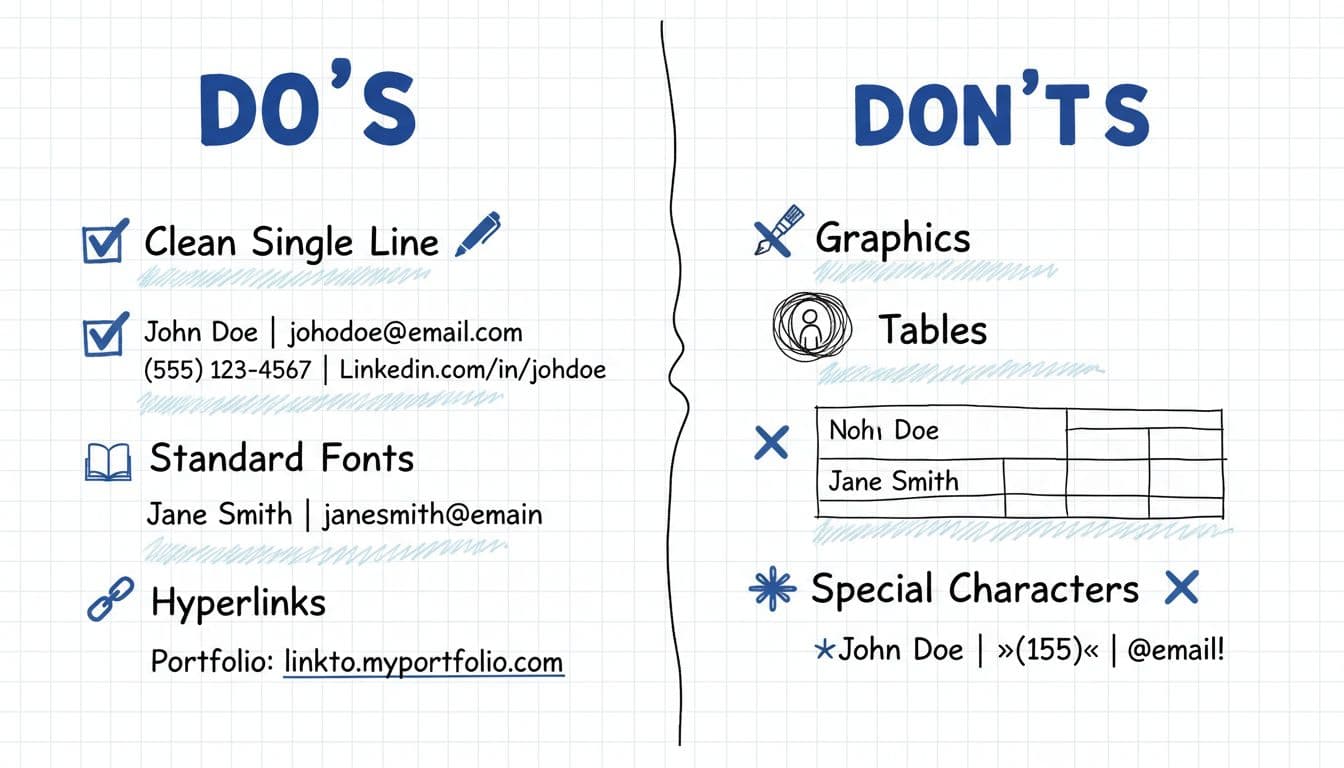
Applicant tracking systems often struggle with parsing issues starting in the header, and it needs to look professional to the hiring manager too. The safest approach is boring on purpose.
ATS-safe rules that work in 2026
Use plain text: no text boxes, no shapes, no icons used as “labels.”
Avoid headers and footers: Many systems still struggle to read them.
Keep it one block: One or two lines, left-aligned or centered, is fine. Use your full name with middle initial if applicable, optionally noting advanced degrees.
Use simple separators: Pipes (|) or bullets (•) generally parse well; format your email address plainly between items.
Hyperlinks should be readable: A full URL is safer than hiding links behind a word. Certifications make a safe addition to the contact block.
One caution: design-heavy layouts can break parsing, especially with columns. If you’re tempted by a two-column resume format, read whether two-column resumes are ATS safe in 2026 before you commit.
Two ATS-safe contact section examples
Example A (simple, with LinkedIn + portfolio)
Jordan M. Lee | Austin, TX
(512) 555-0199 | jordan.lee@email.com | https://www.linkedin.com/in/jordanlee | https://jordanlee.com
Example B (minimal, no links)
Priya Nair, PMP | Remote (ET) | New York, NY
+1 (646) 555-0128 | priya.nair@email.com
If you’re using CareerScribeAI, treat the contact block as a “single source of truth.” Reuse the same email, phone, and link formatting across your resume and cover letter, and keep it consistent in interview scheduling messages too.
Remote, international, and privacy-first contact info (smart tweaks that prevent issues)
Remote hiring is normal now, and so are cross-border applications. Small choices in your contact details can reduce back-and-forth.
Location that protects privacy: Providing your city and state is usually enough. If you’re in a small town or you’re privacy-conscious, consider Metro area or “Greater Chicago Area.” Avoid your street address unless asked.
Job title: Optionally include your target job title as a helpful header element.
Remote clarity: If the job allows remote but expects overlap or relocation, add a light hint like “Remote (PT)” or “Remote, US.” Don’t over-explain.
International phone numbers: Include your country code. Recruiters won’t guess it. If you’re applying to a different country, make sure your number can accept calls or texts from that region.
Work authorization: Only include it if it’s relevant to the role and you can state it plainly (for example, “US work authorized”). If you’re unsure, save it for the application form.
Portfolio safety: For your professional online profile, use a clean URL and remove personal data you don’t want shared (home address in PDFs, phone on a personal website, domain registration info if you can). If a link is outdated, remove it until it’s ready.
CareerScribeAI can help here too: its resume builder templates keep the header ATS-friendly, its cover letter generator keeps contact details consistent, and its interview prep tools support the same story across documents and conversations.
Conclusion
In 2026, strong resume contact information is short, readable, and easy to parse. Stick to the essentials, cut anything that adds privacy risk or bias, and format your header like clean data, not decoration. Before you apply, copy your resume text into a plain document and check that every contact detail, including your voicemail message, stays intact. If a hiring manager tried to call you today, would your resume make it effortless?