


If a job posting disappeared after you applied, the missing page alone doesn’t tell you your application status. Save your records, review the employer’s application portal, and send a brief follow-up if you have a contact.
You don’t need to withdraw your application or stop preparing because a link no longer works. Focus on direct updates from the employer while keeping other applications moving. Start by separating what you know from what you’re assuming.
Key takeaways
- A missing advertisement doesn’t establish whether your application is still under consideration.
- Keep your confirmation email, submitted documents, and a copy of the job description.
- Ask your hiring contact about your application status, then continue pursuing other suitable roles.
What an unavailable job posting tells you
A missing page isn’t an application decision
A missing page tells you the advertisement is unavailable at that address. It doesn’t tell you whether someone reviewed your resume.
Look at your confirmation email and applicant account separately. An application status such as “submitted” records receipt, not a promise of an interview. Unless the employer sends a decision, record the outcome as unknown rather than rejected.
A live listing can describe an evergreen position
A recruiter tells you a job is “no longer available” while the company’s website still displays it.
One explanation is an evergreen position: the company accepts resumes despite having no immediate open position to fill. Employers may maintain these postings to prepare for unexpected surges in hiring, including when people leave or new work arrives faster than forecasted.
A visible advertisement therefore doesn’t establish that hiring is active. An evergreen talent pool also doesn’t automatically mean the employer is running a scam.
Confirm the posting is unavailable and preserve your records
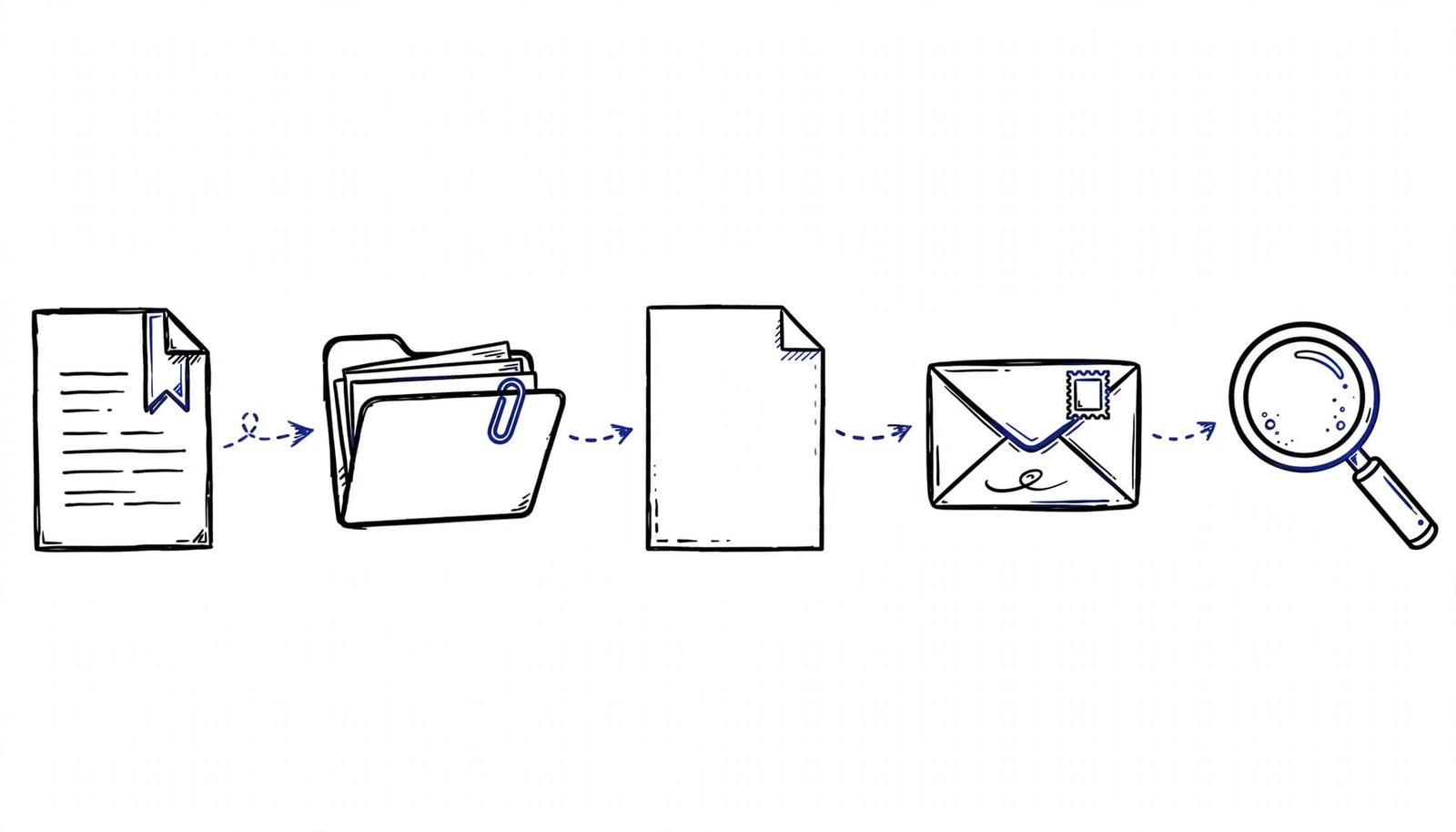
Compare the listing with your application status
Open the original link, then search the company’s careers page using the job title, location, and requisition ID. Compare the employer’s page with the job board where you applied, rather than relying on a saved search preview.
Next, open your applicant account through your confirmation email. Note any status message and the date. If you can’t access the page, record that limitation without assigning a reason.
Save the documents you’ll need later
Keep the confirmation email, application date, requisition number, recruiter messages, and copies of your submitted resume and cover letter. Save the full job description whenever you apply, because an old link may stop working.
If you didn’t save it, keep the details you still have. Don’t invent missing requirements when preparing for an interview.
Our application tracking tools help organize applications and follow-up reminders. Keep “posting unavailable” as a note, separate from the application’s outcome.
Follow up with one clear status question
When you already have a recruiter or hiring contact, reply in the existing conversation. If they gave you a response date, follow up after that date passes. Otherwise, send a concise status inquiry without treating the missing page as an emergency.
Ask whether hiring remains active and whether your application is still under consideration. Avoid requesting an explanation for the website change.
Adapt this message with your application details:
Subject: Application status for [job title], [requisition ID]
Hello [name],
I applied for the [job title] position on [date] and remain interested in the opportunity. I noticed the posting is no longer accessible. Could you let me know whether hiring is continuing and whether my application remains under consideration?
Thank you for your time,
[your name]
Good external recruiters exist, and some use the title “headhunter.” Judge the relationship by clear communication, and keep outreach focused rather than messaging several employees about the same question.
Look for reposts while continuing your search
Search the company’s careers page for the same title and related roles. Compare requisition IDs, duties, location, and seniority before assuming a new advertisement is the same opening.
A repost alone doesn’t establish what happened to your application. If the requisition matches, mention your existing application when contacting the recruiter. For a different role, tailor a fresh application rather than sending an unchanged resume.
Our AI Resume Builder and Cover Letter Generator can help adapt your materials to a new posting. Keep every claim grounded in your real experience and review proposed changes before submitting.
Meanwhile, our Interview Prep Tools can use the saved description and your resume to suggest practice questions. Prepare behavioral examples using STAR: Situation, Task, Action, Result.
Continue applying to suitable positions while this application’s outcome remains unknown.
Distinguish ghost postings from job scams
You can’t identify a ghost posting from disappearance or age alone. A ghost posting generally refers to an advertised role the employer isn’t actively trying to fill. That differs from a scam designed to steal money or information.
The FTC’s guidance on hijacked job ads recommends visiting the employer’s official careers page because criminals can copy legitimate advertisements.
Treat requests to pay for a job or send money to a supposed recruiter as warning signs. The FTC’s job scam guidance explains how fake recruiters use job offers to take applicants’ money.
Common questions after a posting disappears
Should I apply again if the job is reposted?
Compare the requisition IDs first. If it’s the same opening, ask your existing contact whether another application is needed. A separate requisition deserves its own tailored application.
Does “no longer available” mean someone was hired?
That wording doesn’t explain the employer’s decision. Ask whether the role itself is unavailable or whether your candidacy has ended, since those are different updates.
Keep your search moving without assuming rejection
A missing job posting gives you too little information to judge your chances. Keep posting availability and application status separate until an employer update clarifies the outcome.
Send a focused inquiry when appropriate, then keep pursuing other roles. Your job search doesn’t need to wait for one employer’s answer.