

An in progress job application usually hasn’t reached a final decision, but the label doesn’t prove it was submitted or reviewed by a recruiter. In Workday, it can also mean you haven’t finished all the application steps.
The useful distinction is submission versus selection: first confirm your application was submitted, then use its application status to understand the hiring process. Here’s how to separate the two and decide when to follow up.
Key Takeaways
“In progress” is a neutral label, not an interview invitation or rejection. Submission confirmation, outstanding tasks, and recruiter messages tell you more than an unchanged portal status.
What an “In Progress” Application Tells You
The meaning depends on the employer
Employers configure their hiring workflows, so identical labels can describe different stages. Linguaholic describes Workday’s “in progress” and “in process” as equivalent, usually covering assessment before an interview. Workday lets employers configure these stages, so an in progress label can mean different things at different organizations.
However, that interpretation isn’t universal. Neither label confirms that someone has read your resume, that you’re under consideration, or that an interview is coming.
Several issues can leave it unchanged
Apply4Me describes several possibilities: an unsubmitted application, an incomplete required task, a resume parsing or validation issue that prevents a complete record, a duplicate profile, or a recruiter who hasn’t advanced the application. A duplicate profile can split details across records, leaving the candidate profile tied to the application incomplete.
Even after successful submission, hiring delays or pending decisions can leave the label unchanged. The status alone doesn’t identify the cause.
How Job Application Statuses Compare
A job application status can show this common progression, though employers may use different wording or sequence.
| Status or stage | What it generally tells you |
|---|---|
| Received or Submitted | The system recorded your application. |
| Under Consideration | Your application remains active, but human review isn’t guaranteed. |
| Review, Screen, or Under Review | Screening or evaluation is underway. |
| Assessment | Testing or another evaluation step may be required. |
| Interview or Reference check | The employer is gathering more information. |
| Offer, Employment agreement, or Background check | You have reached later hiring stages, possibly with conditions outstanding. |
| Rejected or Declined by candidate | The employer or candidate ended consideration. |
| Position withdrawn | The employer closed the role before hiring was complete. |
A “process completed” status means the workflow has closed, but it doesn’t necessarily mean you received an offer.
Workday recruiter-side stages and candidate-facing labels aren’t always identical. A commenter in this Workday and Oracle discussion also identifies “Dispositioned” as removal from consideration.
Oracle labels reported there include Application Submitted, Application Under Review, Not Selected, and No longer under consideration. Oracle’s candidate selection workflow documentation explains the underlying step-and-status structure.
Confirm Submission Before You Wait
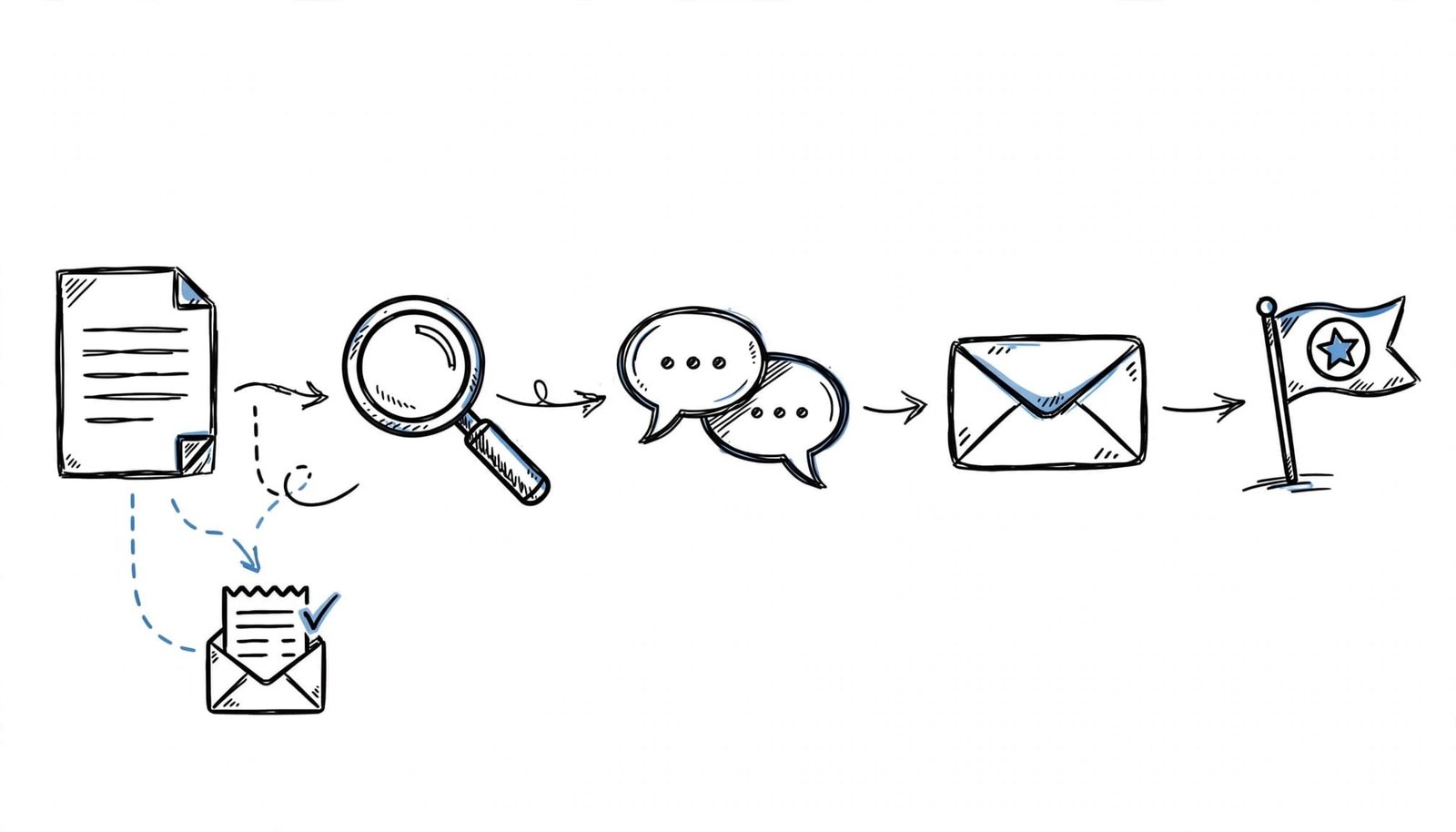
Use this sequence to distinguish an unfinished application from a submitted one:
- Look for a confirmation screen, an “application received” message, a confirmation email, or a change to Submitted or Under Consideration.
- Open outstanding tasks and complete any required fields, assessment, questionnaire, EEO form, or electronic signature.
- Inspect imported Work Experience and Education fields. Apply4Me warns that Workday parsing can scramble them and recommends a single-column PDF under 2 MB named FirstLast_Resume.pdf, where accepted.
- Check which sign-in method you used. Apply4Me says Google or LinkedIn sign-ins versus email can create duplicate profiles. Request a profile merge using the job’s requisition ID.
A session timeout can leave an unfinished application unsaved. A missing receipt or visible error warrants submission troubleshooting rather than weeks of passive waiting.
When and How to Follow Up
Before an interview
Indeed’s application-status guidance suggests this sequence:
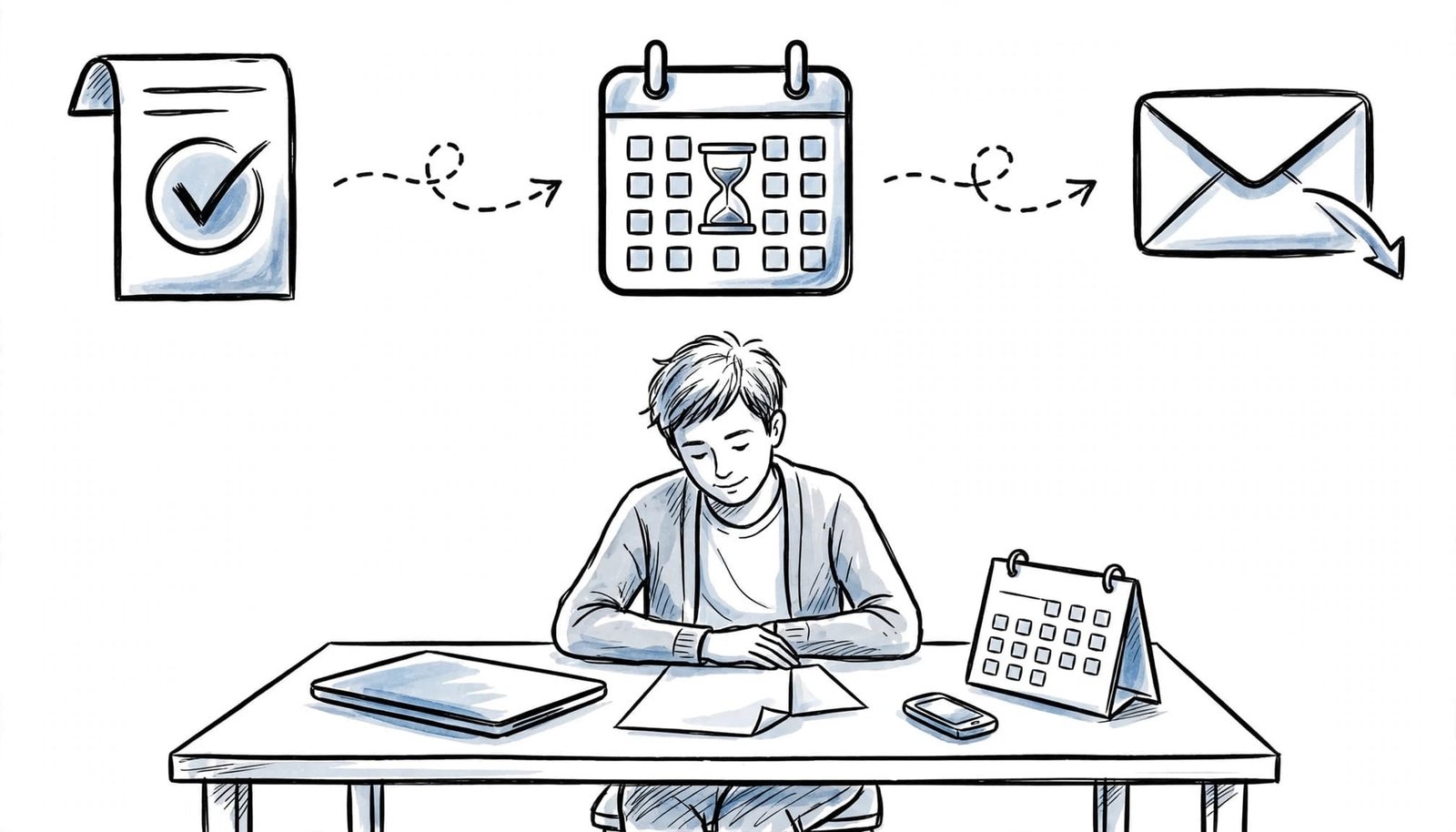
- Once receipt is confirmed, wait one to three weeks after applying before you check on application status, unless the employer provides another timeline.
- Wait another one to two weeks before a second follow-up.
- After roughly two more weeks without a reply, stop pursuing updates and focus elsewhere.
Don’t call or email when the employer explicitly prohibits contact. If outreach is allowed, send a brief application follow-up message to the hiring manager with the role and requisition ID.
Hello [Name], I’m following up on my application for [Role], requisition [ID], submitted on [Date]. I remain interested and would appreciate any update on the hiring timeline. Thank you for your time.
After an interview
Indeed’s guidance recommends sending a thank-you note within 24 to 48 hours and checking in at least a week later if you haven’t received a reply. Follow the employer’s promised decision date when provided.
Use the Waiting Period Productively
Indeed notes that ATS screening can reject applications without matching keywords. A follow-up may prompt another look, but it doesn’t reverse every screening decision.
Our AI Resume Builder and Cover Letter Generator help tailor your materials to the job posting. Keep every claim grounded in your experience.
At CareerScribeAI.com, the Application Tracker organizes your applications and follow-up reminders. The Interview Prep Tools use your resume and target role to prepare questions and STAR-format practice.
Frequently Asked Questions
How long can “under review” last?
Linguaholic suggests one to four weeks after required documents arrive. It also says many advertising platforms keep postings available for up to 30 days. Neither period establishes a hiring deadline.
Does an unchanged status mean rejection?
No. Workday has no universal update schedule. Several weeks without movement can reflect delays, unfinished tasks, or an unchanged record.
Is “in progress” a sign of an offer?
No. An interview invitation or direct recruiter communication provides stronger evidence of advancement.
Treat the Status as a Cue, Not a Decision
An “in progress” application needs submission evidence before it needs interpretation. Once you have that evidence, follow the employer’s timeline and send limited, professional follow-ups.
Keep applying while you wait. An unchanged label shouldn’t put the rest of your search on hold.