
If your resume looks perfect in Word but turns into a jumble after upload, you’re not imagining things. In 2026, a SAP SuccessFactors Applicant Tracking System (ATS) resume format still lives or dies on parsing, not design.
SuccessFactors recruiting workflows often extract your dates, job titles, and skills into structured fields. When formatting gets fancy, those fields can split, swap positions, or vanish. The fix usually isn’t “more keywords,” but aligning your content with resume keywords from the job description. It’s an ATS-friendly resume, a plain, predictable layout that reads well as text.
This guide introduces a reliable ATS resume template, a simple, single-column format, plus a quick copy-paste test so you can spot problems before you apply.
Why SuccessFactors resumes break (and what “plain layout” actually means)
A parsing issue feels like a printer jam. Your content exists, but the system can’t feed it cleanly. SuccessFactors, as an Applicant Tracking System, uses a resume parser to parse resumes into fields (work experience, dates, education, skills), and that process has limits that can cause parsing errors. SAP even documents how resume parsing works and where it can fall short, which is why a conservative format is often the safest choice (see SAP’s note on SuccessFactors Recruiting resume parsing).
So what causes breakage?
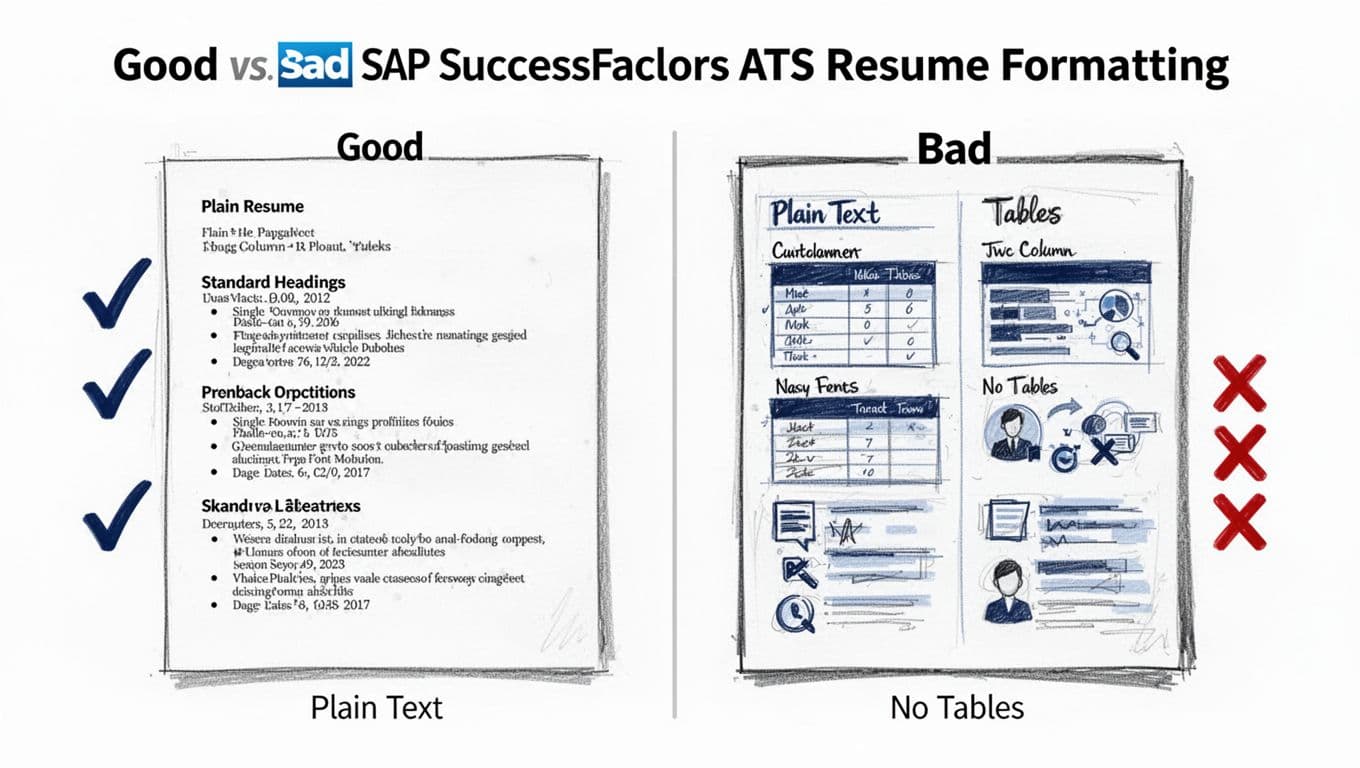
Two-column layouts are a common culprit. The left column (skills) can get stitched into your job history. Tables and text boxes can hide content from parsers. Icons and decorative bullets sometimes turn into strange characters. Headers and footers can also cause missing contact info if the system ignores them.
A “plain layout” doesn’t mean boring. It means the resume reads top to bottom in a single-column layout, like a well-labeled form. Recruiters and hiring managers in the recruitment process still see a clean document, and the system has fewer chances to misread it and produce parsing errors.
Quick reality check: a clean format doesn’t “beat” an Applicant Tracking System. It simply reduces parsing errors so the system can store your info correctly.
The 2026 plain layout that keeps dates, titles, and skills intact
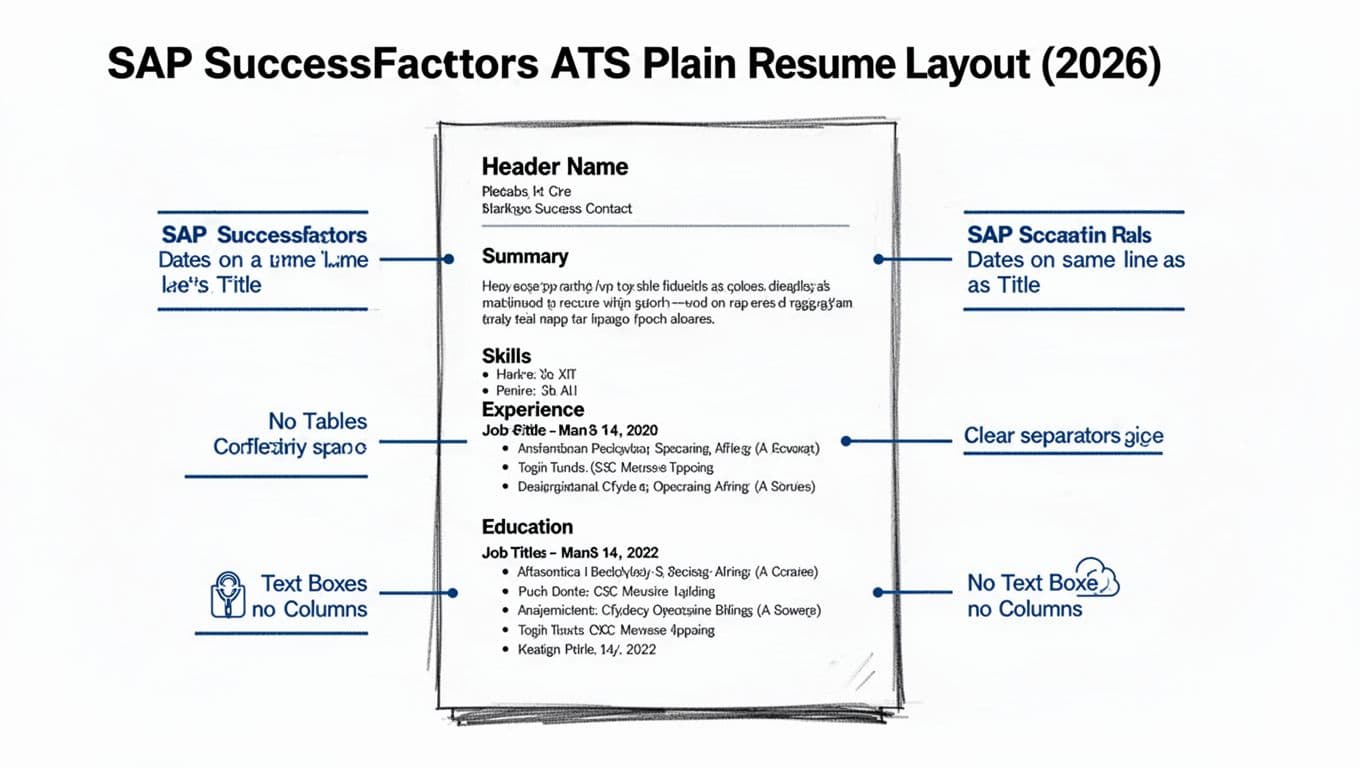
The goal is simple: keep key facts on predictable lines. When dates, titles, and employers share a line, parsers tend to interpret them more reliably. This creates an ATS-friendly resume and ATS resume template that works reliably in SAP SuccessFactors.
Here’s the structure that holds up well for a SuccessFactors ATS resume:
- Header (name, phone, email, city/state, LinkedIn URL)
- Professional summary (2 to 3 lines, role-aligned)
- Hard skills (one line, comma-separated, or short grouped lines)
- Work experience (reverse chronological format, consistent pattern per role)
- Education (degree, school, graduation year)
Also, use standard section headings. “Work Experience,” “Professional Experience,” “Professional Summary,” “Education,” and “Hard Skills” are safer than creative labels for these section headings.
A mini formatting rules box (do/don’t)
Use this as your fast pre-submit check.
| Area | Do | Don’t |
|---|---|---|
| Layout | Single column, left-aligned | Two columns or sidebars |
| Dates | Put dates on the same line as role info | Float dates in a separate column |
| Structure | Use simple headings and spacing | Use tables, text boxes, or shapes |
| Bullets | Use standard bullet points or hyphens | Use icons or special symbols |
| Fonts | Use standard fonts, normal size | Mix standard fonts, heavy styling, or tiny text |
One more detail that helps: keep each role’s “header line” consistent. For example, keep job title, company, location, and dates in a predictable order every time. Consistency is your friend. These steps ensure resume keywords remain readable by the system.
If you want help generating a plain layout quickly, CareerScribeAI’s AI Resume Builder can produce an ATS-friendly plain text resume structure, then you can paste your content into it. After that, use the platform’s keyword suggestions to align your bullets to the job posting without adding fluff.
The copy-paste test that catches problems before you apply (plus a template)
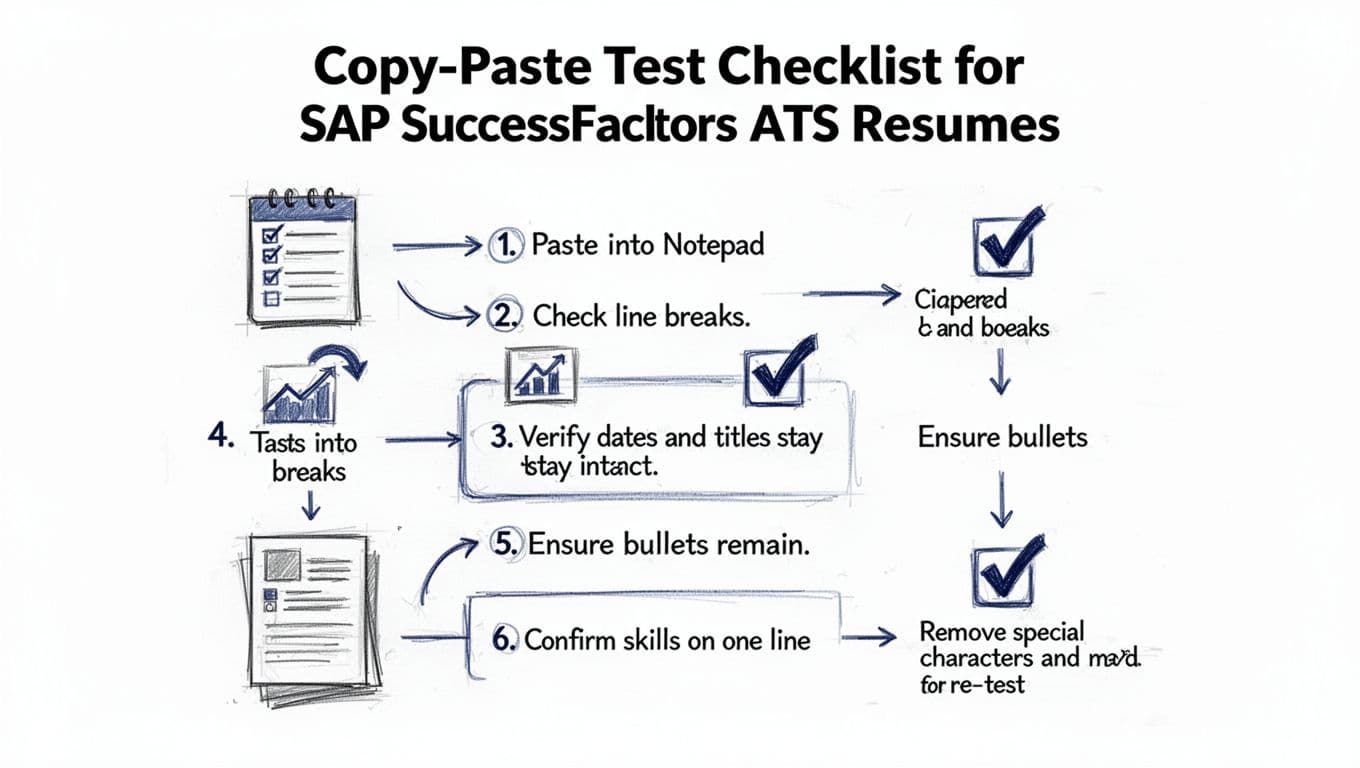
The fastest way to predict parsing issues is a plain-text copy-paste test resume check. For SAP SuccessFactors, stick to .docx format over PDF format, since it parses more reliably. If your resume falls apart in a plain text editor, it may also break during upload.
Here’s the copy-paste test:
- Copy your resume content.
- Paste into Notepad (Windows) or TextEdit in plain text mode (Mac).
- Scan for broken lines and weird symbols.
- Confirm each job’s title and dates still sit together.
- Confirm bullets stay under the right job.
- Confirm skills don’t scatter across random lines.
- Fix, then re-test.
If you want a broader view of ATS behavior in 2026 (format plus keyword match), this guide gives a practical rundown: how to get your resume past ATS in 2026. Use it as context, then keep your formatting decisions conservative for SuccessFactors.
Copy-ready ATS resume template (paste and fill)
FIRST LAST
City, State | Phone | Email | LinkedIn URLSUMMARY
2 to 3 lines. Name your target role, scope, and 1 to 2 strengths tied to the posting.SKILLS
Technical skills and soft skills: Skill 1, Skill 2, Skill 3, Skill 4, Skill 5, Skill 6WORK EXPERIENCE
Job Title, Company, City, State | Jan 2023 to Present (consistent date format)
- Achievement bullet with a number for quantifiable results (time saved, revenue, volume, quality, cost).
- Start with action verbs, add tool and outcome, kept to one line when possible with bullet points.
Job Title, Company, City, State | Jun 2020 to Dec 2022
- Start with strong action verbs, then show impact in your work experience.
- Keep formatting identical to the role above.
EDUCATION
Degree, Major (optional), School, City, State | Graduation YearCERTIFICATIONS (optional)
Certification Name, Issuer | Year
After the ATS resume template is filled, run the copy-paste test again. Then compare your resume against the job description, pulling in resume keywords to increase the match rate. Incorporate resume keywords from the posting naturally throughout. CareerScribeAI can help here in three spots: use the Resume Builder to keep the layout plain, the Cover Letter Generator to reflect role keywords naturally, and the Interview Prep tools to practice competency answers that match what SuccessFactors-based hiring teams often score.
If you’re tempted by a downloadable “SAP SuccessFactors resume template,” treat any design-heavy template with caution. A guide like this can help you sanity-check formatting choices before you commit: ATS-friendly resume template guide for 2026.
Conclusion
A reliable SAP SuccessFactors ATS resume format in 2026 is plain on purpose. Single column, standard headings, consistent job lines, and simple bullets keep your dates, titles, and skills from splitting, supporting effective ATS optimization. This layout ensures seamless compatibility with any Applicant Tracking System. Run the copy-paste test before every important submission, because it exposes problems in seconds. If your resume reads cleanly as text, you’re giving both the Applicant Tracking System and the hiring manager a fair shot at your best work, especially with an ATS resume template that includes the right resume keywords.