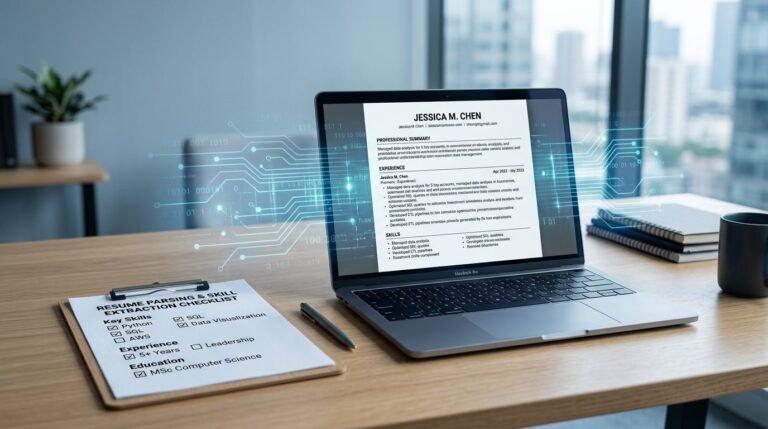
Remote hiring in 2026 has a simple rule: if your resume can’t be read by an ATS, it may never reach a person. If it can be read but doesn’t signal remote-ready skills fast, it still gets skipped.
A strong ATS friendly resume for remote roles does two jobs at once. It matches the job description in plain, scannable language, and it shows your remote-ready skills with asynchronous communication, distributed teams, and limited supervision.
This guide breaks down what to write, how to format it, and how to state time-zone fit without sounding complicated. These strategies are essential for landing global remote roles.
What makes an ATS-friendly remote resume different in 2026
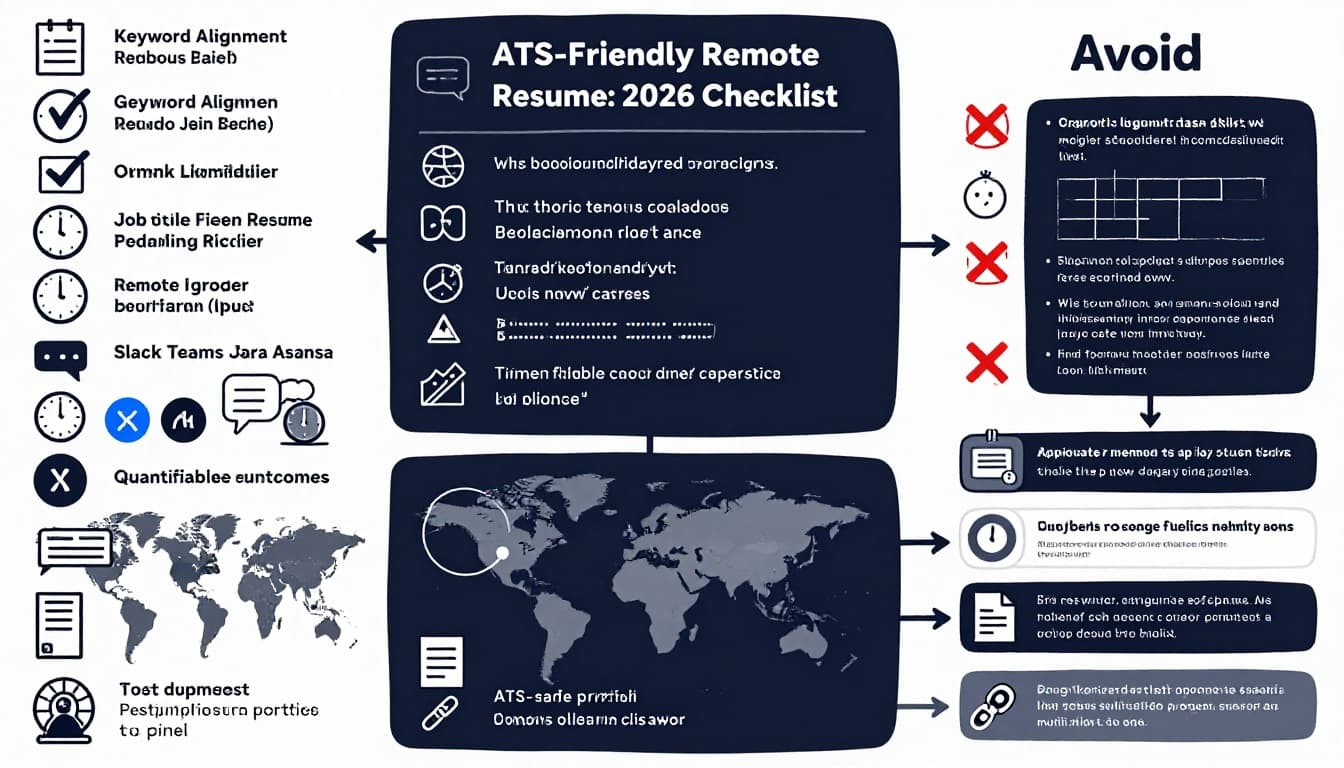
Applicant tracking systems scan text like a strict librarian. They want clean headings, standard section names, and predictable structure. Remote hiring adds a second filter: proof you can deliver without constant meetings, and without the team being in one place.
Start with the basics of ATS resume format. Maintain a single-column layout for readability, use standard fonts, and avoid tables, text boxes, and decorative elements that can scramble parsing. If you want a clear rundown of common formatting mistakes, see ATS-friendly resume formatting guidance.
Now add the remote layer. Recruiters don’t just search for “project manager” or “data analyst.” They also search for signs you can operate in async environments, including self-directed productivity through written updates, documentation habits, handoffs, and measurable output.
One more reality in 2026: many candidates assume “AI-driven screening” is only keyword matching. It’s often more basic and more brittle than that, and the biggest failures are still formatting, missing essentials, and vague bullets. The patterns job seekers get wrong are summarized well in what candidates misunderstand about AI screening.
Think of your remote resume like a storefront window. The ATS is the door sensor (it must let you in). The hiring manager is the person walking by (you must look like a fit in seconds).
Show remote-ready skills with async work, docs, and distributed-team proof
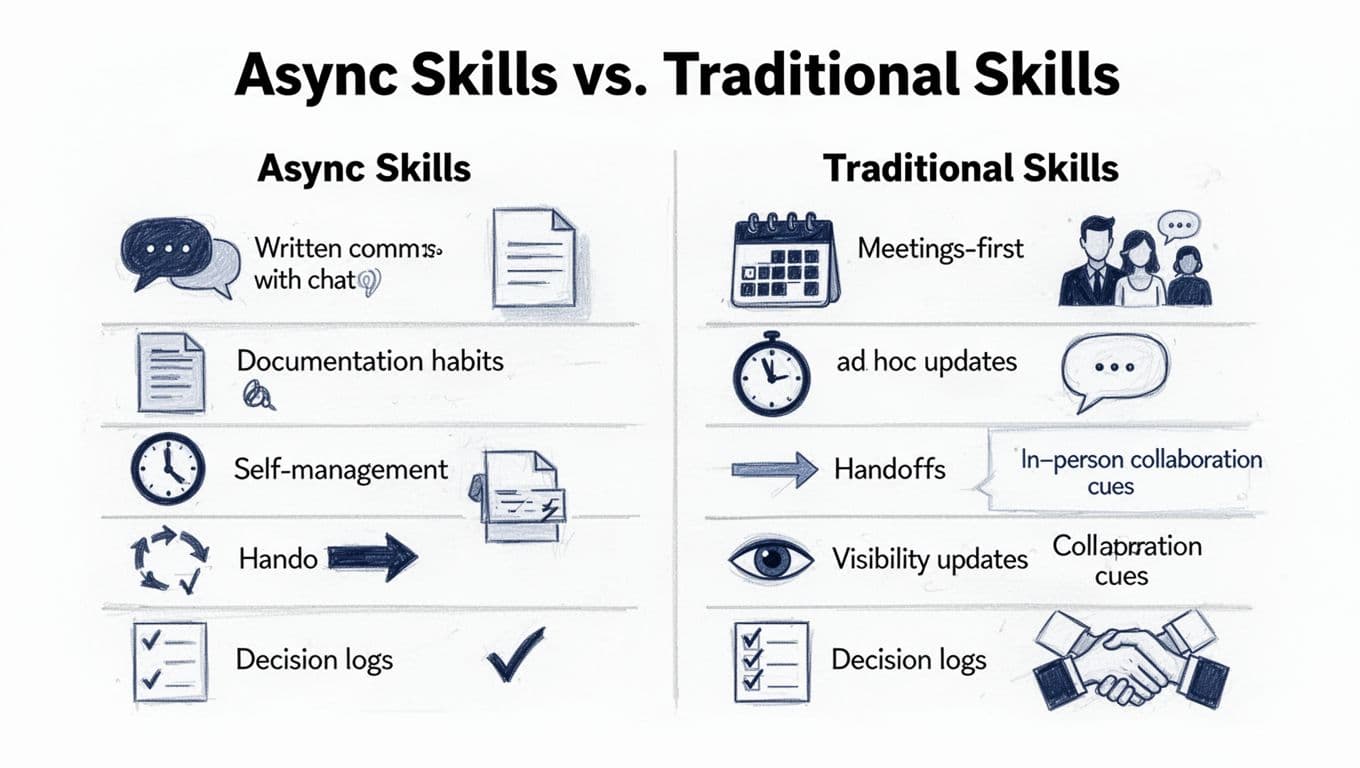
Successful candidates use outcome-focused bullets to showcase remote work experience. Remote-ready skills aren’t soft traits like “hard worker.” They’re observable work behaviors. Your goal is to make those behaviors easy to spot in the top half of the resume and undeniable in the experience bullets.
A remote resume reads best when you build “proof” into the verbs and nouns you choose. Don’t just say you communicated. Say how you communicated, where, and what it changed.
Here are bullet-point examples that demonstrate asynchronous communication, documentation, and cross-time-zone collaboration with quantified results (adapt the tools and metrics to match your role):
- Async reporting: Posted daily written standups in Slack, reduced “where are we” pings by 30% across a 9-person distributed team.
- Documentation habits: Built and maintained a decision log and runbooks in Confluence using a documentation-driven approach, cut onboarding time from 3 weeks to 10 days.
- Cross-time-zone handoffs: Designed a follow-the-sun handoff checklist for US and EMEA teams, improved next-day resolution rate by 18%.
- Meeting reduction: Replaced two weekly sync meetings with structured docs supporting asynchronous workflows (agenda, decision section, action owners), saved 6 hours per sprint.
- Visibility updates: Created a Jira dashboard for exec-ready progress and risk tracking, improved stakeholder satisfaction scores from 3.6 to 4.4.
- Written client comms: Sent weekly client updates with milestones, blockers, and next steps to support cross-functional collaboration, reduced escalations by 22%.
When you tailor wording to remote roles, mirror the job description language without copying whole lines. For ideas on how remote job descriptions use keywords and variations, review how remote-work keyword alignment differs.
A helpful rule: remote-ready bullets mention tools, cadence, and outcomes. If any bullet could be true for an in-office job, tighten it until it can’t be.
Step-by-step workflow to tailor an ATS resume format for remote jobs
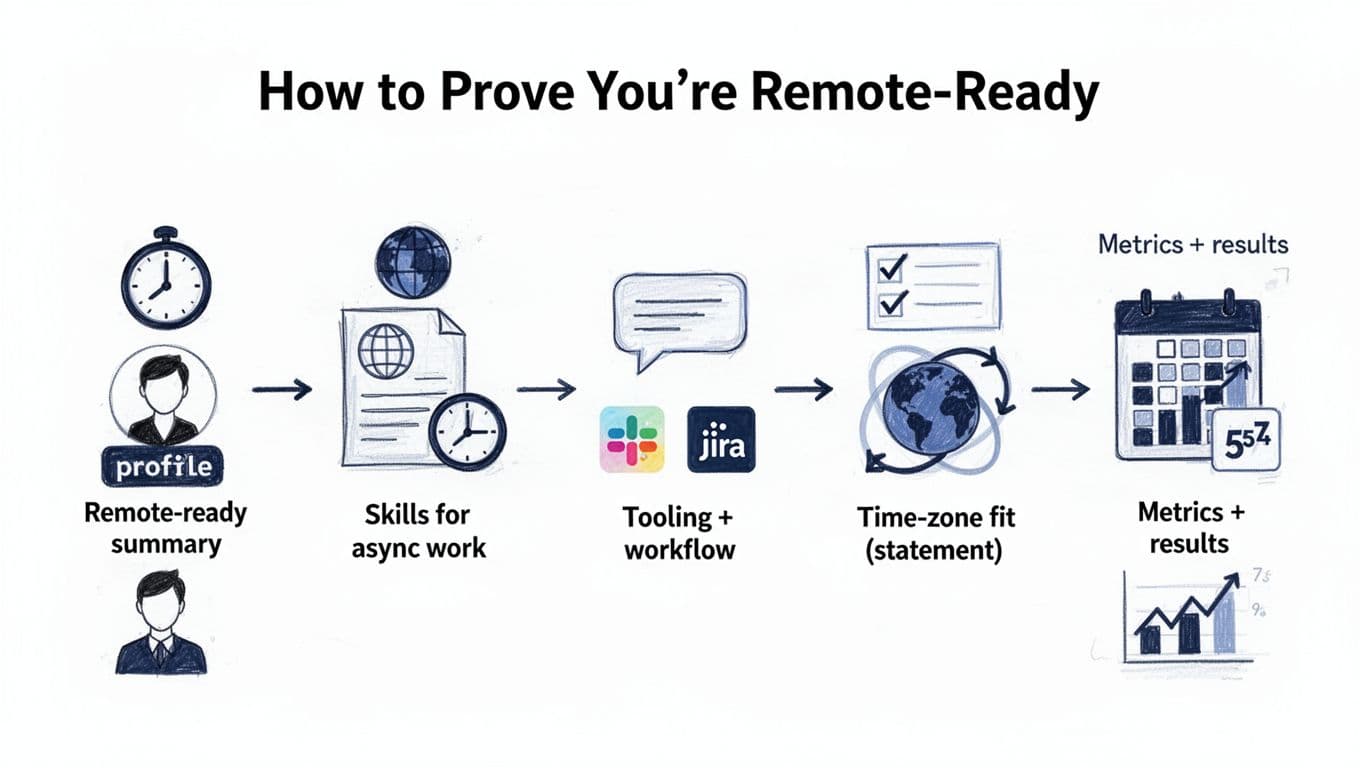
Tailoring shouldn’t mean rewriting from scratch every time. Use a repeatable workflow so every application stays consistent, readable, and ATS-safe.
Step 1: Identify the remote hiring signals in the job post
Scan for remote hiring signals like “async,” “distributed teams,” “written communication,” “documentation,” “time zone overlap,” “autonomous,” “Slack,” “Jira,” “Notion,” “GitHub,” “customer updates,” and “stakeholder management.” These are the remote filters.
Step 2: Mirror the target job title and core terms
Use the exact job title in your headline (as long as it’s truthful). In your professional summary and skills section, reuse the job’s main terms where you actually have the experience by incorporating remote-friendly keywords. This is the heart of an ATS friendly resume.
Step 3: Rework your top 6 to 10 bullets for async proof
Pick the bullets closest to the role and rewrite them to show: written updates, decision-making in docs, handoffs, and measurable results. Keep each bullet one to two lines.
Step 4: Add a remote collaboration tools “stack” (cleanly)
Instead of a fancy graphic, include a simple line in Skills or a Tools section: “Slack, Microsoft Teams, Jira, Asana, Confluence, Notion, Google Workspace,” only if accurate.
Step 5: Run a final ATS and readability pass
Use consistent headings (Summary, Skills, Experience, Education). Save as PDF only if the employer accepts it and the layout stays clean, otherwise use .docx.
Tip: Apply linkedin profile optimization by aligning your LinkedIn profile with the remote-ready language and achievements on your resume to strengthen your overall digital footprint.
If you want help tightening format and matching language to a job post, CareerScribeAI.com can speed up the boring parts without turning your resume into fluff. The AI Resume Builder is useful for ATS-safe formatting and keyword alignment, and the Cover Letter Generator helps you explain remote and async work style with specific examples instead of generic claims.
Mini checklist for each application:
- Does my summary mention remote-ready skills (written updates, docs, autonomy)?
- Do my first two experience bullets include async or distributed-team proof?
- Did I match the job title and required tools (only if true)?
- Are dates, titles, and company names easy to parse?
- Did I remove tables, columns, icons, and text boxes?
Location, time zone, and overlap: how to state it (and what to avoid)
Time-zone fit can be a deal-breaker, so don’t hide it. Say it plainly, once, in a predictable spot.
Good places to include it:
- Header line after your location (or “Remote”), for time zone coordination, for example: “Austin, TX (CT)” or “Remote (UTC-5)”
- Summary line, when overlap is required: “Available for 4 hours overlap with CET”
What to write (clear and ATS-friendly):
- “Remote, US-based (ET), open to 3 to 5 hours overlap with PT”
- “Remote (UTC+1), overlap available 14:00 to 18:00 CET”
- “Remote, eligible to work in UK, EU (UTC+0 to UTC+2 overlap)”
What to avoid:
- Cute phrases like “work from anywhere” if the role requires overlap
- A long explanation of your travel plans
- Multiple time zones listed without a clear primary one
- Hiding it in a footer or inside a graphic
If a company asks for overlap, treat it like a required skill, since showing overlap provides proof of your virtual collaboration capabilities that managers prioritize. Put it where both ATS and humans will see it.
Remote ATS Resume Checklist (final pass before you apply)
Use this as your last look before submission:
- Single-column layout, standard headings, no tables or text boxes
- Job title mirrored (truthfully) in headline or summary
- Skills match the posting, including remote tools and independent work habits when relevant
- Async work evidence showcasing written communication skills in experience bullets (docs, handoffs, written updates)
- Time zone overlap stated clearly (once) in header or summary
- Home office setup mentioned (as a sign you’re ready to hit the ground running)
- Metrics included (time saved, cycle time, revenue, quality, tickets, adoption)
- Clean file name (FirstLast Role Remote 2026)
- Links handled safely (LinkedIn, portfolio, GitHub as plain text links)
- Resume tailored for remote-first environment
Conclusion
A remote hiring team can’t watch you work, so your resume has to show the trail: written decisions, clear handoffs, visible progress, and results that hold up across time zones. Build an ATS friendly resume that reads cleanly, then add remote proof where it counts most, your top bullets and your time-zone statement.
If you want extra practice before interviews, CareerScribeAI.com’s Interview Prep Tools can help you rehearse remote scenarios like async collaboration, conflict over text, async communication, and also audit your digital presence. Your goal is simple: look easy to work with, even when nobody’s online at the same time. Ultimately, your self-management skills serve as the key differentiator for remote candidates.